Smart finish, sensible form factor
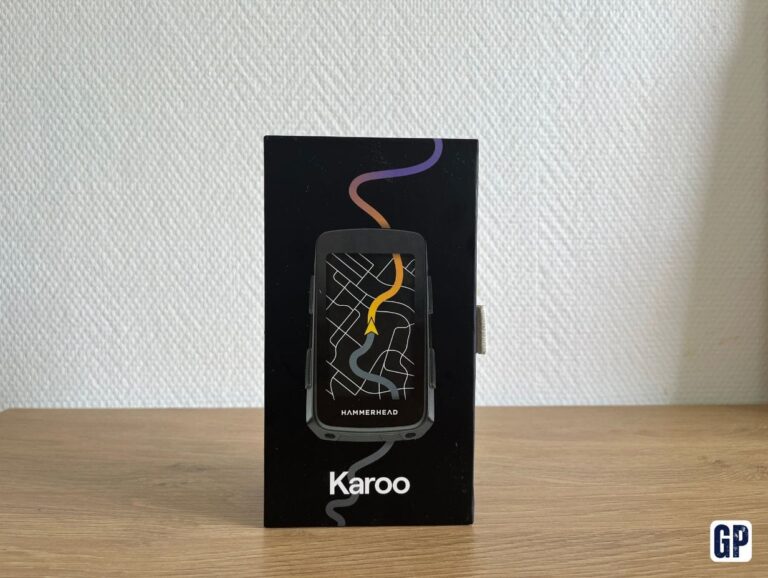
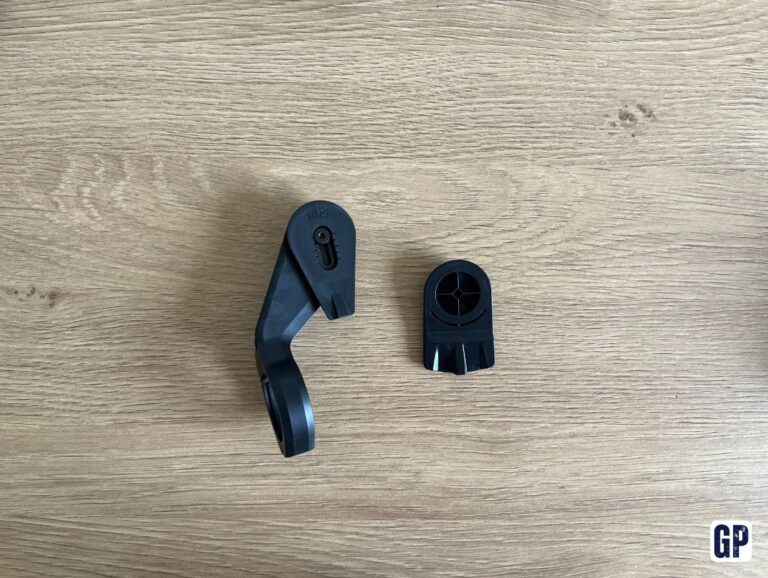
The Karoo 3 arrives in simple packaging, without unnecessary frills. You get the essentials to start using it quickly, with its mount and the accessories needed for installation.
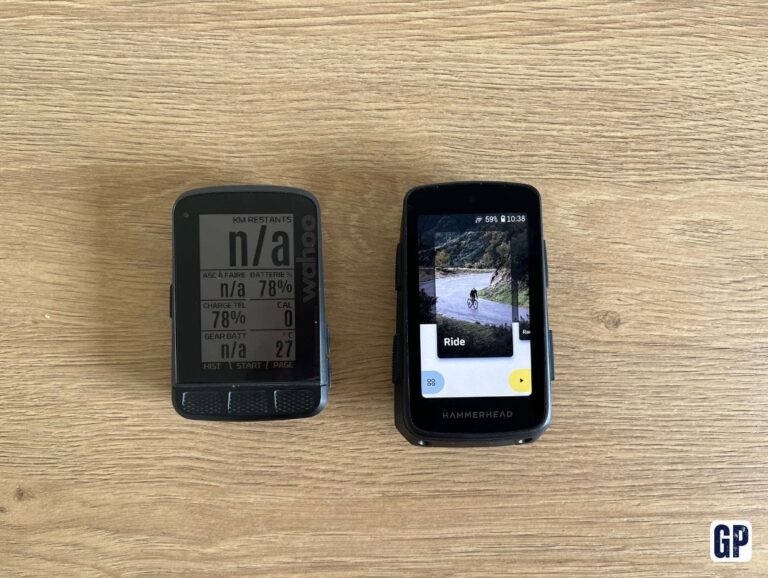
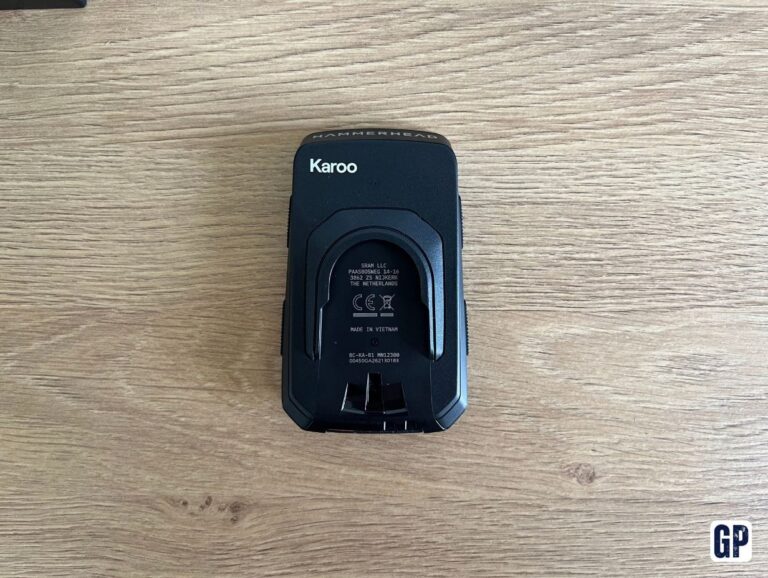
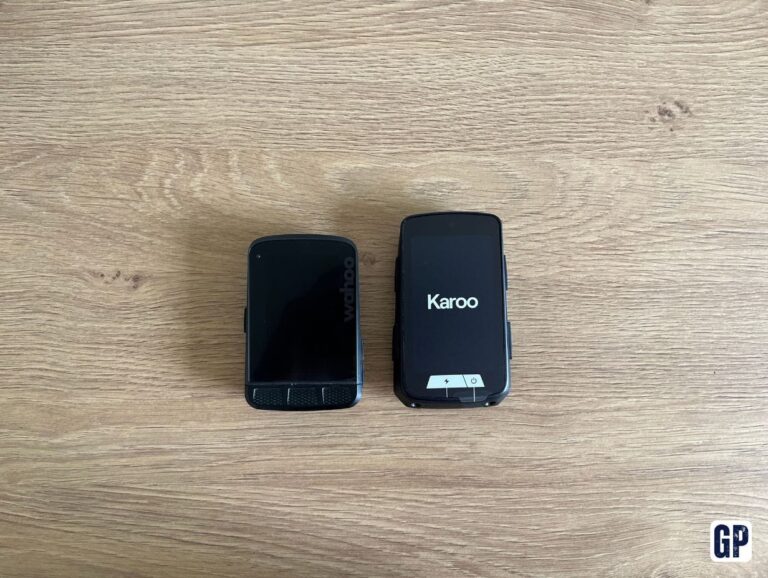
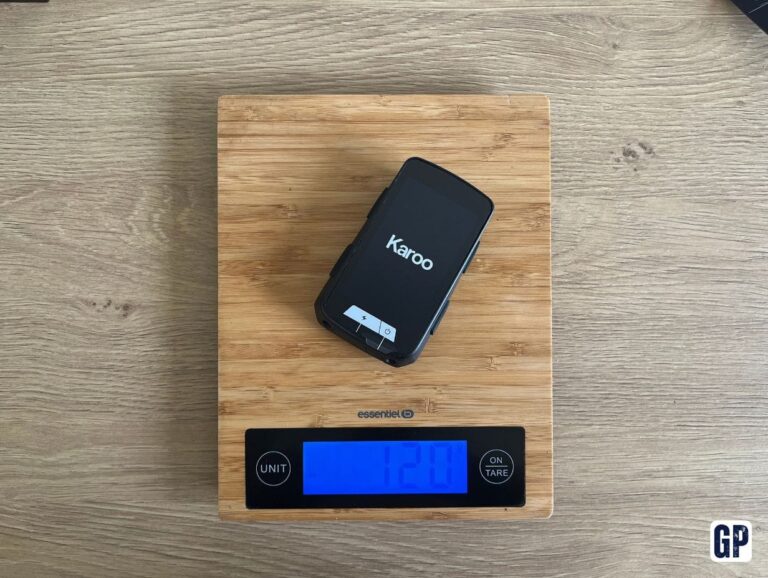
Like many recent GPS units, it has a larger screen than my old Wahoo Roam V1. It also weighs more: 120 g versus 99 g for the Wahoo. That’s not insignificant, but the form factor remains compact enough once mounted on the bike.
Visually, the Karoo 3 immediately gives an impression of quality. The finishing is tidy, the device feels dense and well assembled, and the screen plays a key role in the experience.
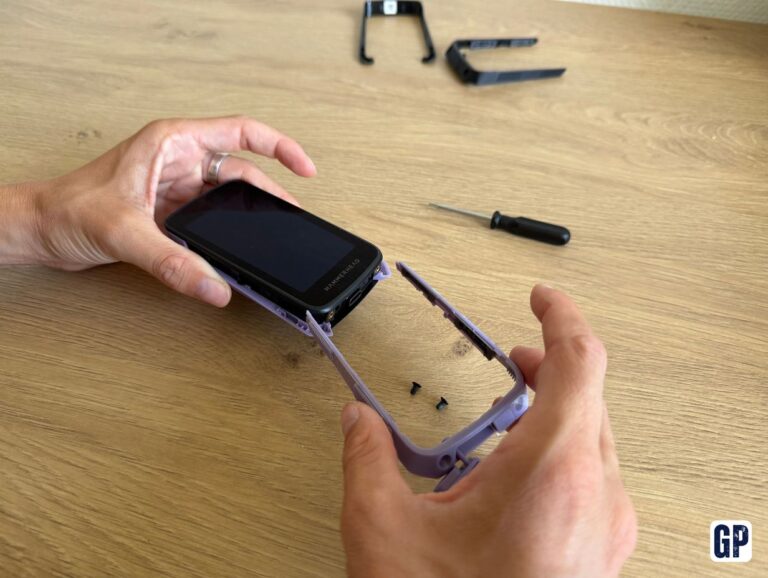
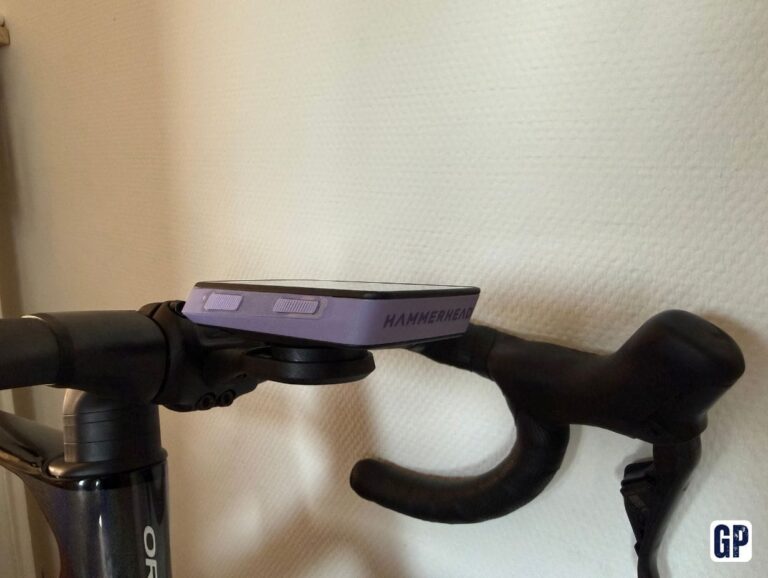
Hammerhead also lets you customise the shell with several colours. I tested the purple version, but other shades exist, notably blue or grey. It’s a detail, of course, but it gives the computer a bit more personality than a simple black block on the handlebar.
The screen genuinely changes the experience
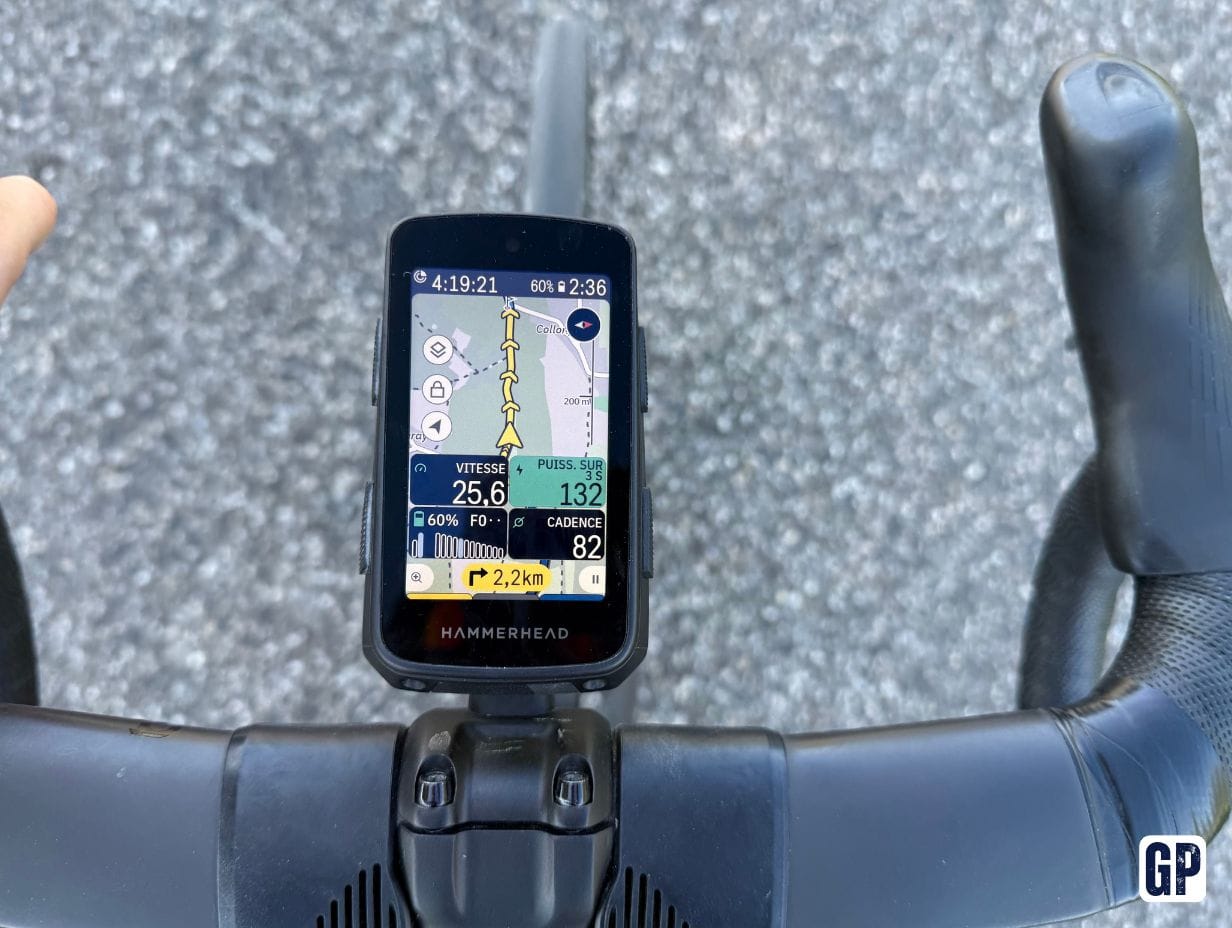
The first real difference from my old GPS is the screen. Its resolution and brightness are clearly superior to those of the Wahoo Roam V1. Maps are more pleasant to read, data stands out better, and it’s still comfortable to consult in bright daylight.
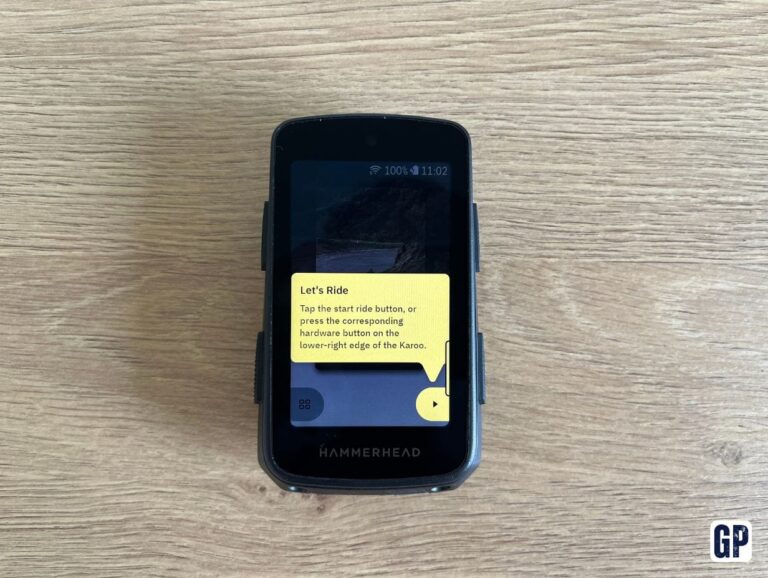
The touchscreen also adds a lot day to day. The GPS is responsive, the interface is easy to grasp, and you don’t get the feeling of having to dig through three menus to change a small detail.
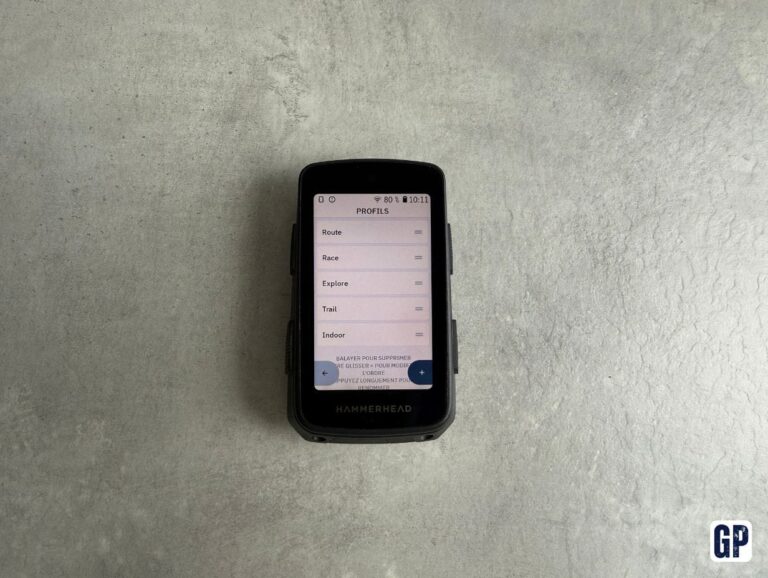
The Karoo 3 lets you create multiple profiles and adapt the data displayed for each of them. For example, a road profile and a gravel profile, with different fields depending on the bike used.
This is particularly practical if you ride with a power meter on one bike but not on the other. The profile prevents you from ending up with a useless empty field when you change setup.
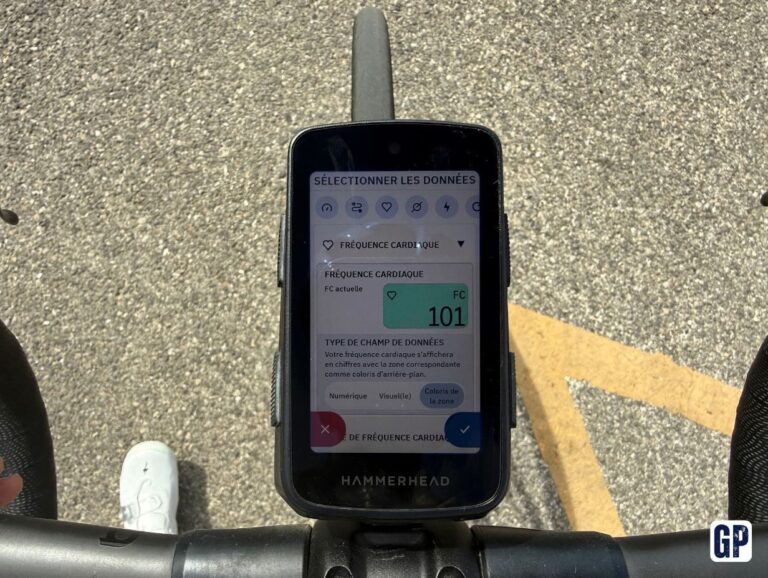
The point that struck me most is the simplicity of customisation. To change a data field, just long press it to bring up the list of available information. It’s quick, natural, almost obvious.
I even found myself tweaking my pages while riding. It’s not necessarily a habit I’d recommend, but it does show how simple the interface is. This is one of the biggest differences with my old Wahoo.
I also appreciated the different display possibilities. The coloured backgrounds, in particular, let you quickly spot a power or heart rate zone without having to read each value precisely. On an intense or long ride, that kind of detail matters more than you think.
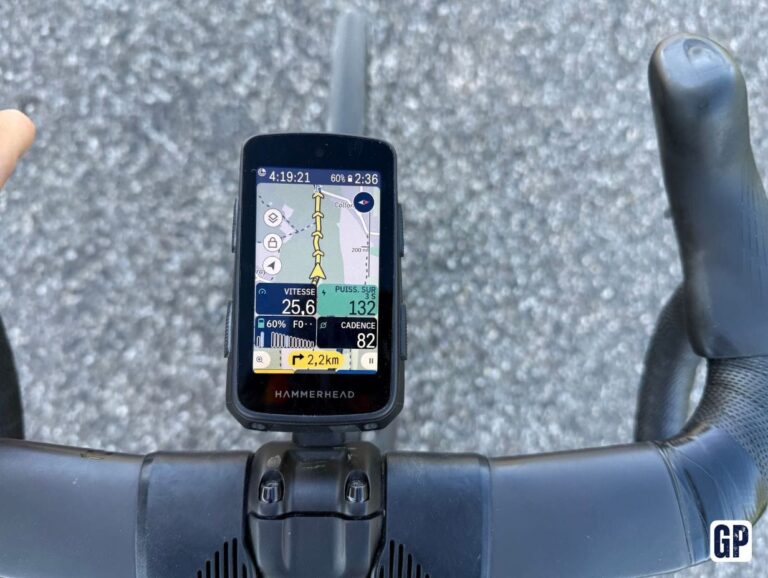
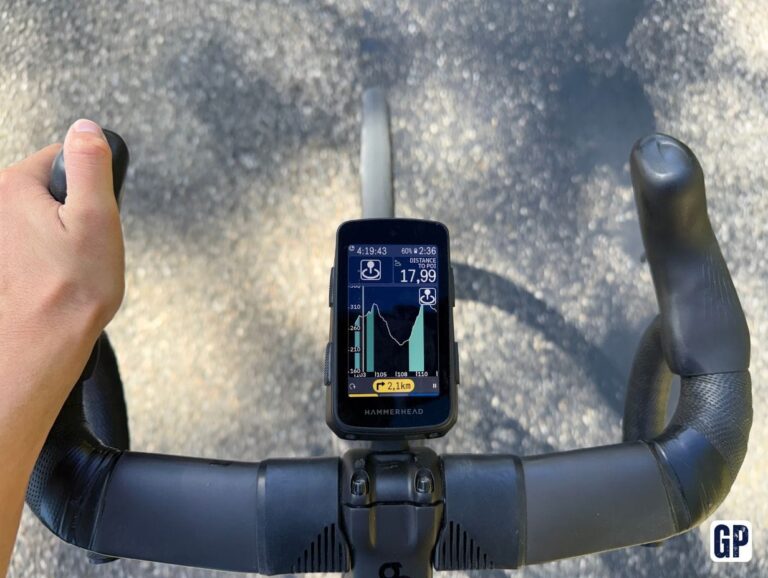
Displaying the remaining distance and elevation gain on the same screen is also very useful. On long rides, it gives an immediate sense of progress and what is still to come.
Intuitive navigation, but slightly limited zoom
After several months of use, navigation has become very intuitive. The map is clear and legible, and you quickly get used to its logic.
However, I’d have liked a few more zoom levels. The Karoo 3 offers three, whereas my old Wahoo Roam V1 went further. It isn’t a blocker most of the time, but I sometimes wanted an intermediate level, especially to better understand a junction or a denser area.
Conversely, I really appreciated being able to explore the map freely. You can zoom out, drag the map with your finger, and look around you a bit like on a smartphone.
This lets you spot a road, a village, a point of interest or a specific place without being confined to the area around your position. Then you just tap directly on a point on the map to ask the GPS to calculate a route to that place.
It’s very handy when you’re looking for a water point, a café, or simply an unplanned destination. In those moments, the Karoo 3 really feels like a modern tool, designed to adapt to the ride rather than remain fixed to a preloaded track.
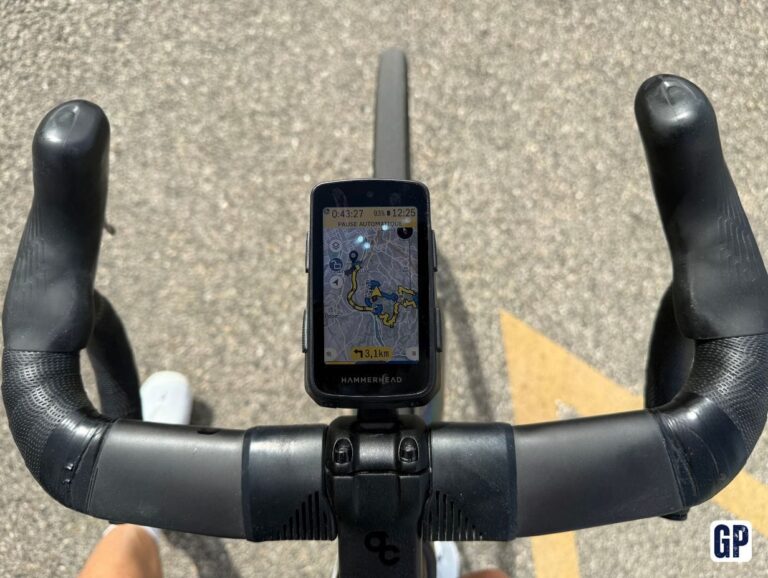
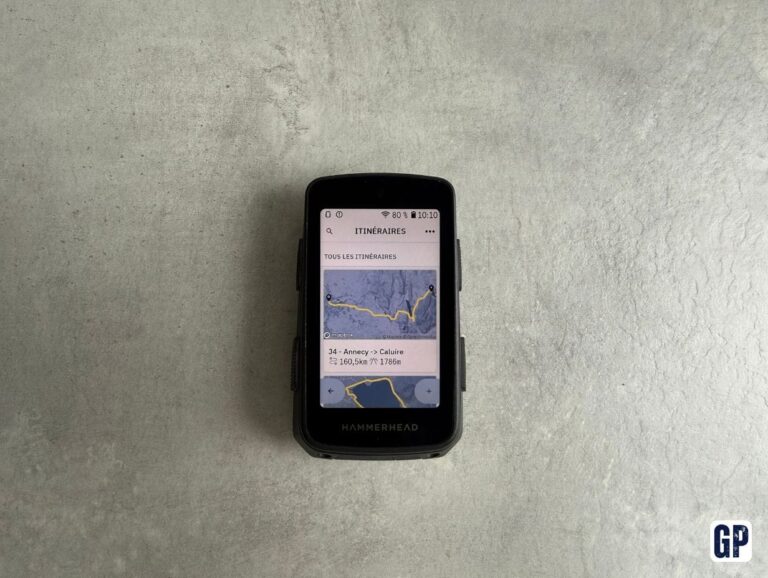
Route selection is also well executed. When several routes are saved, you can easily find the one you want thanks to the numeric keypad, then preview its route directly on the map before launching it.
The whole thing is clear, fast and legible. And that greatly contributes to the sense of a polished product the Karoo 3 gives from the first rides.
Useful extensions to tailor the GPS to your riding
The Karoo 3 works with an extensions system that lets you add features to the GPS.
You can, for example, install Epic Ride Weather to get weather information directly on the computer, or add other extensions to enrich the data displayed.
This system brings real flexibility. It lets you tailor the GPS to your needs, without relying only on the functions installed by default. It is one of the elements that gives the Karoo 3 that sense of an evolving tool, almost closer to a smartphone than a traditional bike computer.
Shimano Di2: possible compatibility, but not native
Shimano Di2 users have to deal with a constraint. Hammerhead being part of the SRAM group, there’s no native integration to connect Shimano Di2 directly to the Karoo 3 to display current gear selection.
It is nevertheless possible to use a third-party extension, KI2. Setup remains relatively simple and lets you retrieve Di2 information on the GPS.
Just keep in mind it’s not an official Hammerhead solution. In my case, there were rides where the gears didn’t display correctly despite using KI2.
It’s not a deal-breaker, but on a GPS this complete, native integration would have been welcome.
A clear, intuitive mobile app
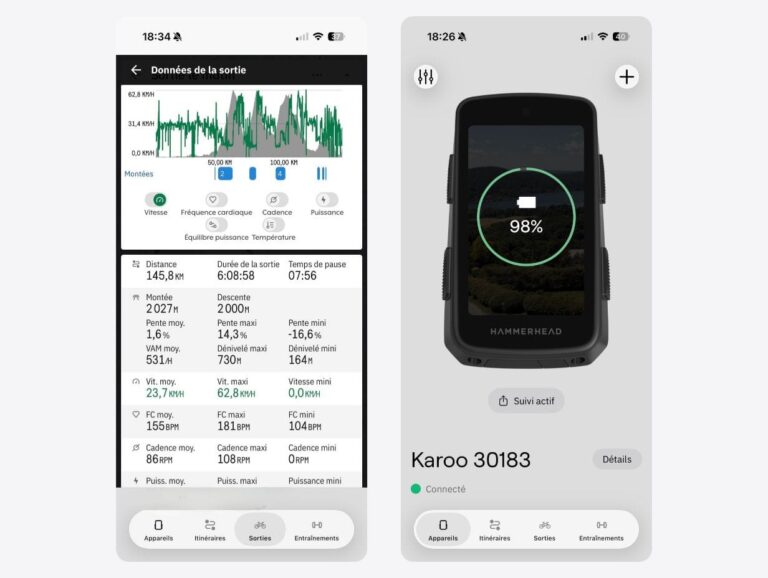
The Karoo 3 also comes with the Hammerhead mobile app, which lets you gather all your routes from different platforms, such as Strava or Komoot, in one place. You can also view your ride history or import structured workouts, which are then automatically transferred to the Karoo 3.
The app is clear and intuitive. It complements the GPS experience effectively and lets you centralise your different activities and routes easily.
In my case, I have to admit I barely used it. Because the Karoo 3 is particularly simple to use directly on the GPS, I hardly ever felt the need to use the app. The only feature I really used regularly was sharing my location with my loved ones, especially on my long rides.
Data analysis that remains fairly basic
On the data side, the app lets you view the main information for each ride: distance, elevation gain, speed, power, cadence, heart rate and calories burned. There are also charts to track how these different data points evolve throughout the ride.
The analysis is therefore sufficient to review a ride and understand how it unfolded, but it remains fairly limited when it comes to tracking your progress over time. This is where Garmin goes much further with Garmin Connect. The platform lets you put your data in perspective over several weeks or months, with charts dedicated to training load, training status and VO2 max. The Power Curve also lets you track your best power outputs over different durations and compare them with your recent performances.
This kind of tracking helps you step back from your performances and see your progress concretely over the weeks or months. You find much less of this in the Hammerhead ecosystem.
To consult the essential data from a ride, the Hammerhead app therefore does its job perfectly. By contrast, for cyclists who want to use their data as a genuine tool to track their training and measure long-term progress, Garmin offers a far more in-depth analysis.
Battery life sufficient for long rides
On battery life, I observed around 10% consumed per hour with full use: navigation, radar, power meter and auto-brightness.
That equates to about 10 hours of use in these conditions.
Being particularly fond of long distances, this was something I watched closely. In the end, I never finished a ride worried about running out of battery. I did several 8-hour rides in particular without having to rein in how I used the GPS to preserve battery life.
The Karoo 3 also goes to sleep during stops, for example during a meal break, which greatly limits consumption. Several power-saving modes also let you extend battery life when needed, notably by putting the screen to sleep while riding.
For a one-off long ride, this battery life therefore seems more than sufficient to me. It can become more of a constraint for cyclists who ride very frequently, four to six times per week, because you will have to recharge the GPS regularly.
You should also see this battery life as a compromise. The Karoo 3 is priced below some very high-end GPS units, and some technical choices inevitably contribute to that difference. In my view, the battery life remains acceptable for the majority of users.
Those who prioritise battery life far above everything else can look at computers built around that priority, such as the Coros Dura and its impressive battery life. The Karoo 3, for its part, focuses more on the screen, the interface and overall ergonomics.
The full route profile is really missing
There is one feature I really missed during this test: displaying the full route profile.
On my old Wahoo, I had a dedicated page to view the entire profile of the ride, with climbs, descents and flatter sections.
For a rider used to long distances, this information is very useful. It lets you anticipate upcoming difficulties, manage your effort and distribute your energy better over several hours.
The Karoo 3 does display climb profiles when you approach them, but it does not offer a full visualisation of the route profile.
There is an unofficial extension to obtain a more complete profile, but its integration remains less refined than a native function.
This was probably the point that surprised me most. After several years with a Wahoo offering this feature, I naturally expected to find it on a GPS as complete as the Karoo 3.
The Hammerhead heart rate strap, light and effective
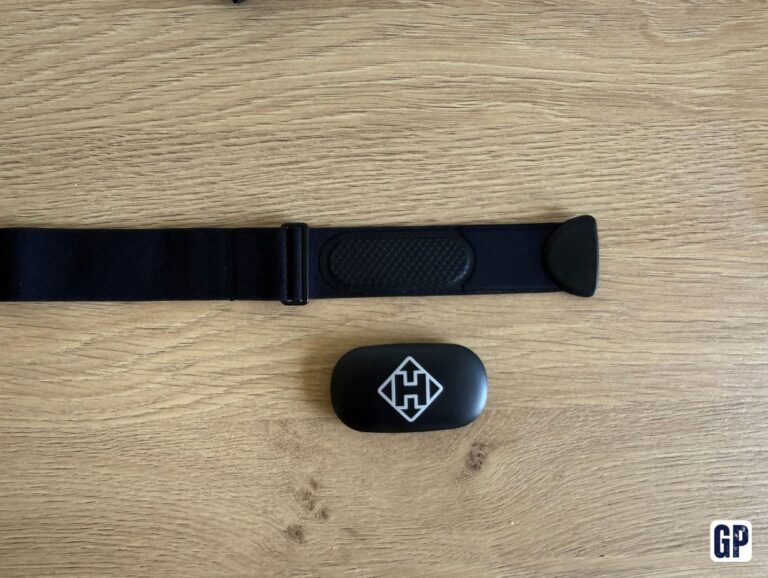
I also tested the Hammerhead heart rate strap.
The first striking element is its weight: 43 g versus 52 g for my Garmin HRM-Pro Plus. I did not think a few grams could make such a clear difference, but you genuinely forget the strap once it’s on.
Data-wise, nothing to report: the recorded values are consistent with those from my Garmin strap.
At a lower price than some competing models from Wahoo or Garmin, it is therefore an interesting option for cyclists who simply want a reliable strap to measure heart rate, without necessarily needing the extra functions of higher-end models.
Versus the competition, a well-judged balance
Against the most high-end models on the market, the Karoo 3 takes an intermediate position. It adopts many of the traits of a premium GPS, while remaining more accessible than the most expensive references.
Its appeal lies in the balance between features, ergonomics and price.
A telling example concerns the controls. The Karoo 3 combines a touchscreen and physical buttons, with the ability to switch between them depending on conditions. On the bike, this makes sense. With gloves or in the rain, the touchscreen can become less pleasant, whereas buttons let you keep control of the essential functions.
This is notably what sets it apart from a Garmin Edge 1050, which relies entirely on touch. That approach gives a modern, clean interface in good conditions, but it can show its limits when the riding gets trickier.
With the Karoo 3, Hammerhead keeps buttons alongside touch. It is not flashy, but it is a very bike-first decision. A decision that takes into account what really happens on the road, with gloves, rain, fatigue, or simply a less precise hand after several hours.