
For a long time, the choice was fairly simple.
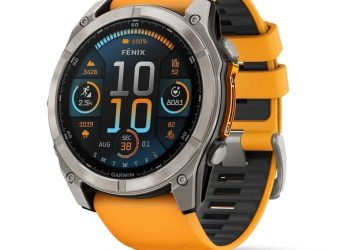
On one side, Garmin offered the best watches for athletes: long battery life, mapping, GPS, training metrics, physical buttons and the Garmin Connect ecosystem.
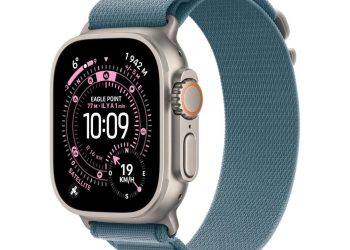
On the other, Apple offered the best smartwatch: notifications, calls, apps, integration with the iPhone and a particularly polished user experience.
But with the arrival of the Apple Watch Ultra, then the steady improvement of watchOS, the gap has narrowed considerably.
Conversely, Garmin has also moved forward on the smartwatch side, notably with the Fenix 8, then the Fenix 8 Pro with LTE and satellite connectivity.
After using Garmin Fenix watches for nearly 10 years (yes, really), then switching to an Apple Watch Ultra, I wanted to answer a fairly simple question: for a slightly geeky athlete, already using several Apple devices and possibly a Garmin Edge computer, which ecosystem makes the most sense today?
The answer is far more nuanced than it seems.
Two high-end watches, but two different philosophies
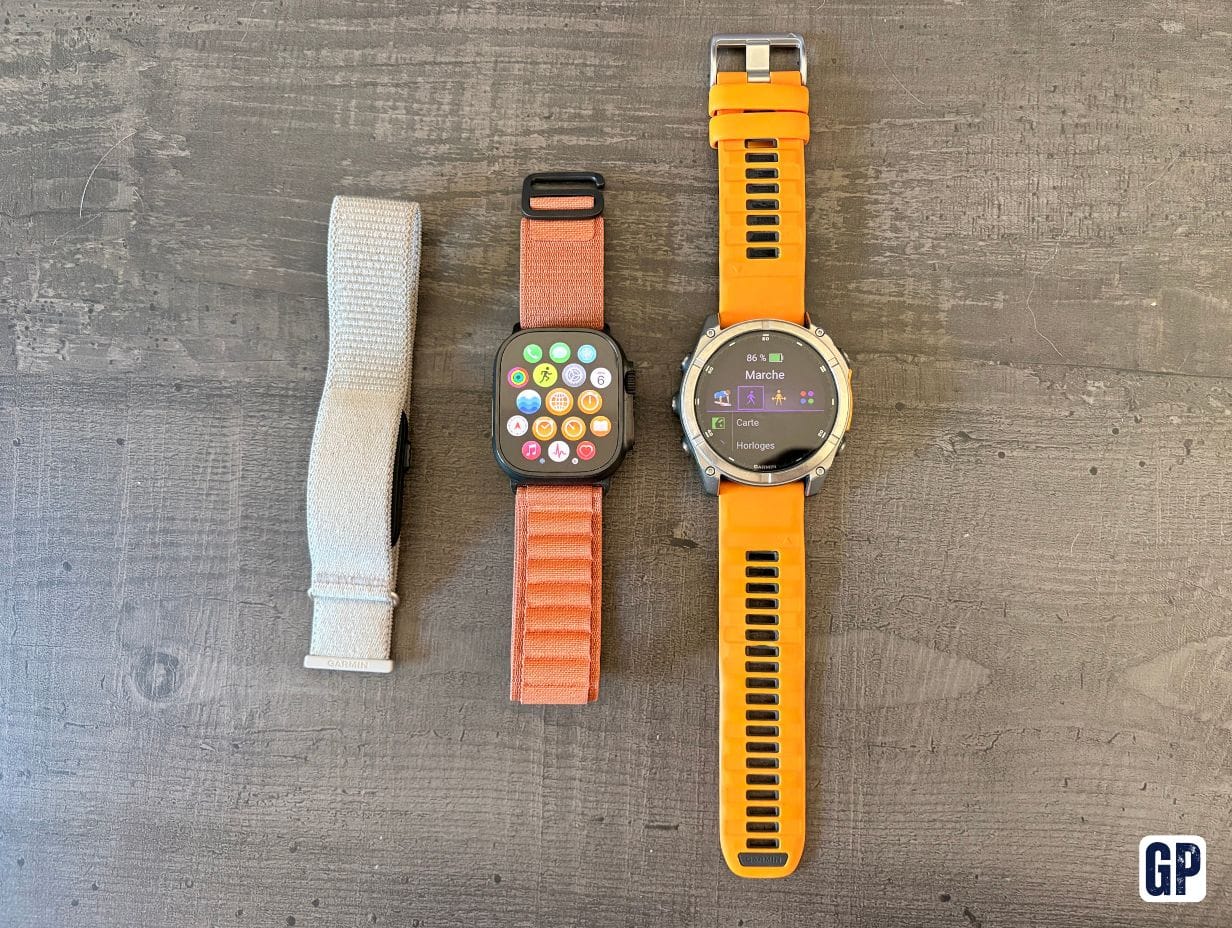
The Garmin Fenix is designed first for sport, with connected features around it. The Apple Watch Ultra almost does the opposite: it is a very complete smartwatch that has also become an excellent sports watch.
This difference in philosophy explains almost everything else.
Garmin aims to optimise battery life, activity recording, outdoor navigation and physiological analysis.
Apple aims to make the watch useful during the 23 hours of the day when you are not training.
And depending on your day-to-day, that second part can ultimately weigh heavily in the balance.
Before we compare: the prices are not as far apart as you might think
The Apple Watch Ultra 3 starts at €899, with a titanium case, sapphire glass and GPS + Cellular as standard. Apple does not offer the Ultra in multiple sizes or finish levels: the line-up is ultimately quite simple.
With Garmin, it is a lot more complex. The Fenix comes in several sizes, multiple display technologies and different material combinations. For example, a 47 mm Fenix 8 Solar is listed by Garmin at €999.99, while the Fenix 8 Pro AMOLED starts at €1,199.99 and the very spectacular MicroLED version climbs to €1,999.99.
In other words, the Apple Watch Ultra is not necessarily the most expensive watch in this head-to-head. At a comparable finish level, it is often quite well placed.
However, you also need to factor in the cost around the watch.
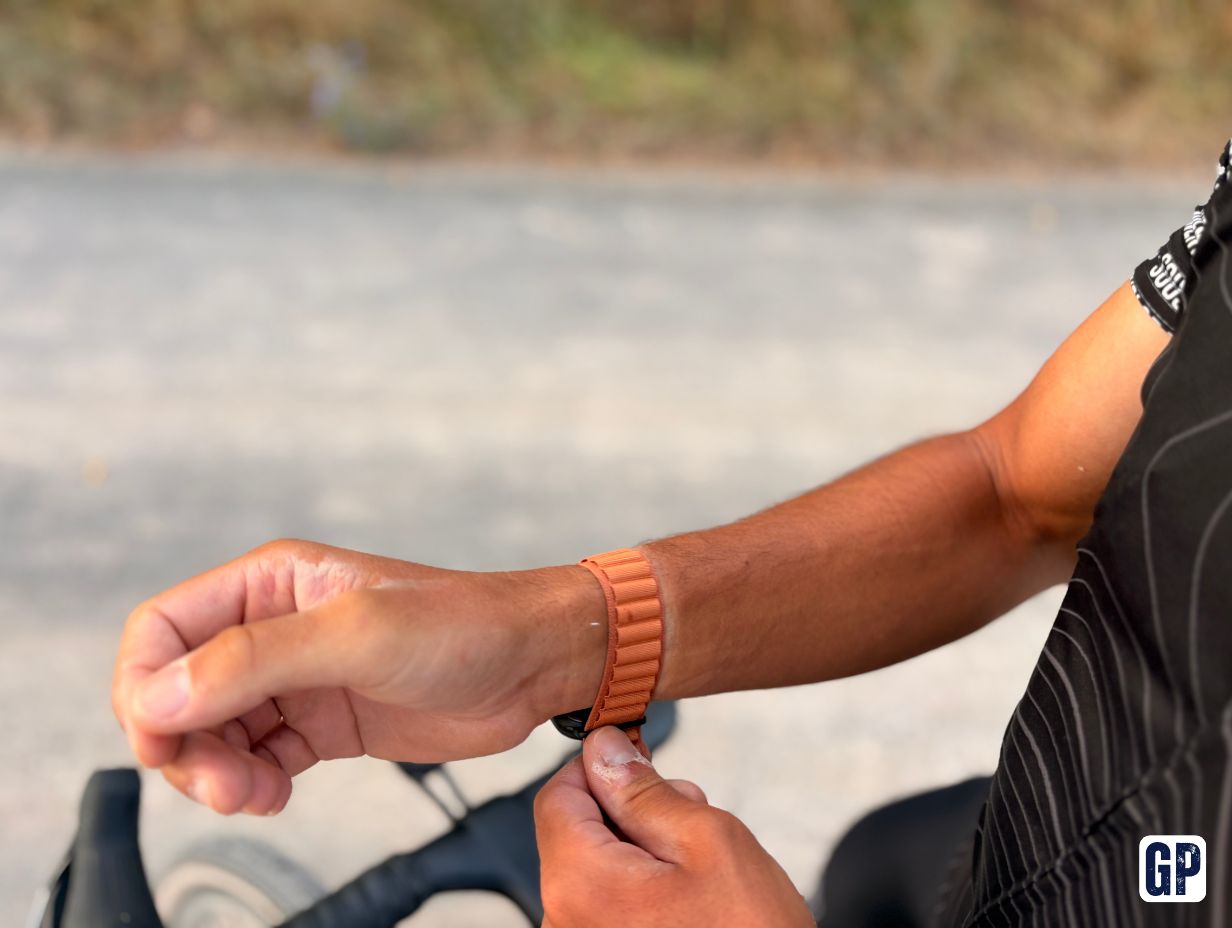
At Apple, official Ultra bands Boucle Trail, Boucle Alpine or Bracelet Océan generally cost €99 when bought separately. The superb titanium Milanese band reaches €199.
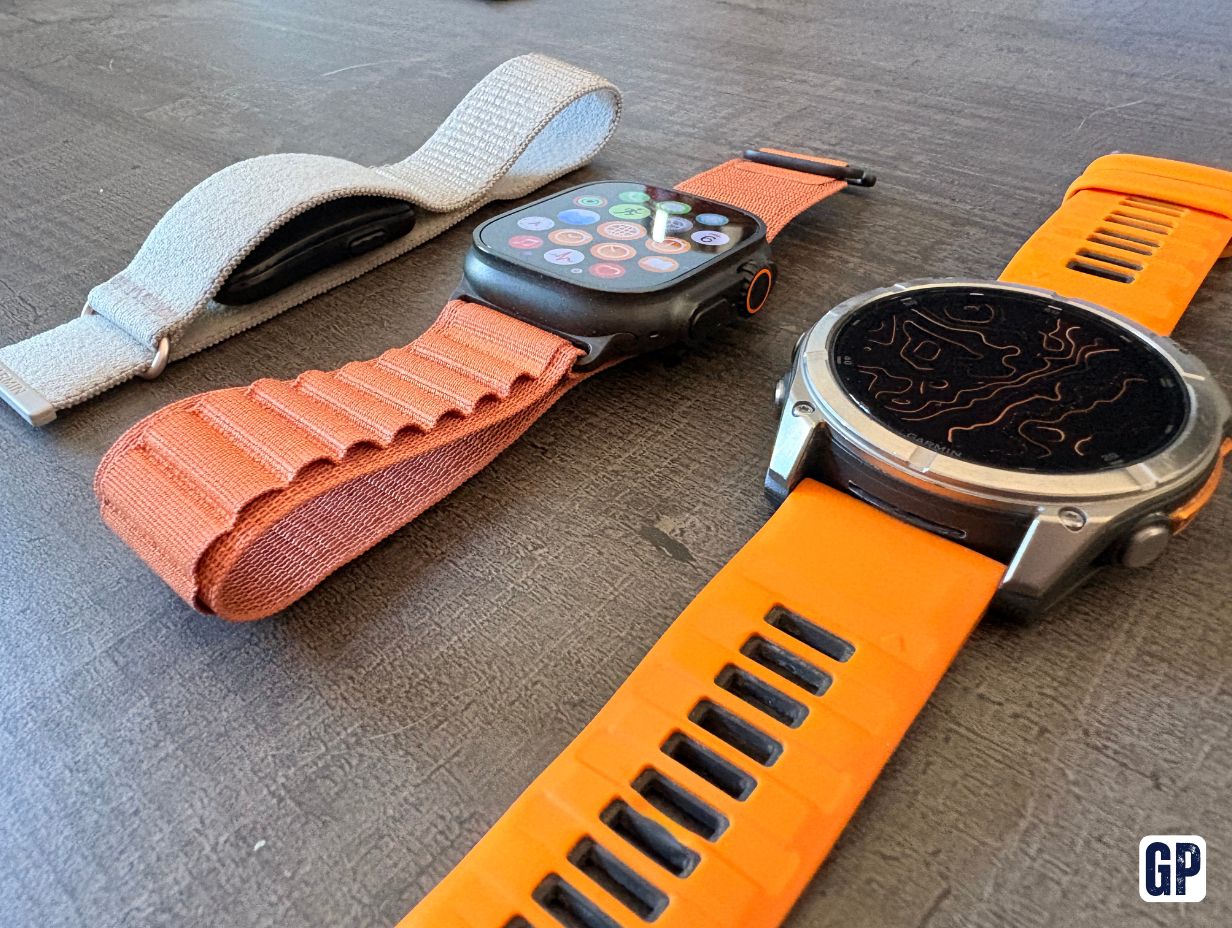
At Garmin, an official QuickFit silicone band is around €50, while the metal or titanium models can also run to several hundred euros depending on the version.
Finally, you need to add any subscriptions. The Apple Watch Cellular requires a compatible eSIM option from your network operator if you really want to use it without a phone. And some inReach communication features of the Fenix 8 Pro also require an active Garmin subscription.
Over several years, the purchase price is therefore only part of the real cost.
Screen, size and comfort: Apple favours the spectacular, Garmin the choice
This is one of the most visible differences.
The Apple Watch Ultra 3 only comes in 49 mm. Its LTPO3 OLED Always-On display can reach 3,000 nits and benefits from a rectangular shape that makes particularly good use of the available area to display text, maps or notifications.
And that rectangular shape has a real benefit: when you read a message, an email, a list or a route, the interface feels more like a small smartphone than a traditional watch.
Garmin sticks with a round face and offers more sizes. Depending on the generation, you generally get 43, 47 or 51 mm. This is a major advantage for small wrists as well as for those who like very big watches. The brand also lets you choose between several technologies: AMOLED for a modern, very colourful display, MIP/Solar to push battery life even further, and now MicroLED on certain Pro models.
In terms of pure quality, both are excellent.
But I would give the edge to Apple for the beauty of the display and the richness of the interface, while Garmin wins on the diversity of sizes and display technologies on offer.
Where the Apple Watch Ultra is clearly better
Cellular connectivity really changes how you use it
This is probably the difference that attracted me most to the Apple Watch Ultra.
With an Apple Watch Cellular properly activated with a compatible operator, you can genuinely leave your iPhone at home.
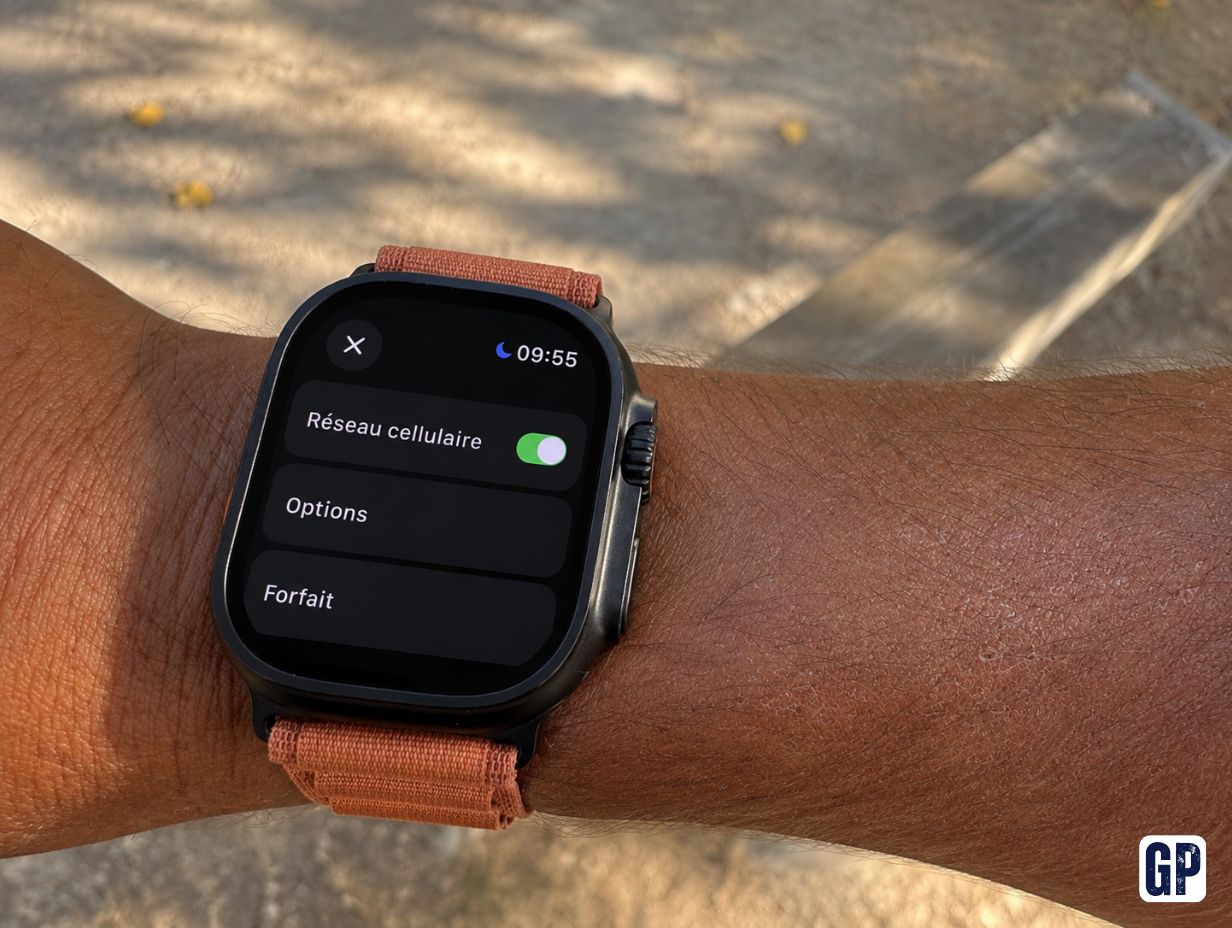
The watch can then make and receive calls, receive notifications, use the internet, check Maps, access Siri, stream music or even use certain apps directly over the mobile network.
This is very different from the LTE connectivity introduced on the Fenix 8 Pro.
The Garmin uses LTE-M via the inReach service. It does not get a real mobile number and cannot make a standard phone call or send a traditional SMS. Calls and messages go through the Garmin Messenger ecosystem.
This is excellent for safety and the outdoors, notably because Garmin also adds satellite communication and inReach SOS.
But it is not a substitute for a smartphone in the same way as an Apple Watch Cellular.
This is a fundamental distinction.
For notifications, there is really no contest
With a Garmin connected to an iPhone, you can receive notifications.
But interaction remains limited. And that is notably because Apple restricts many features.
With the Apple Watch, the watch is truly part of iOS.
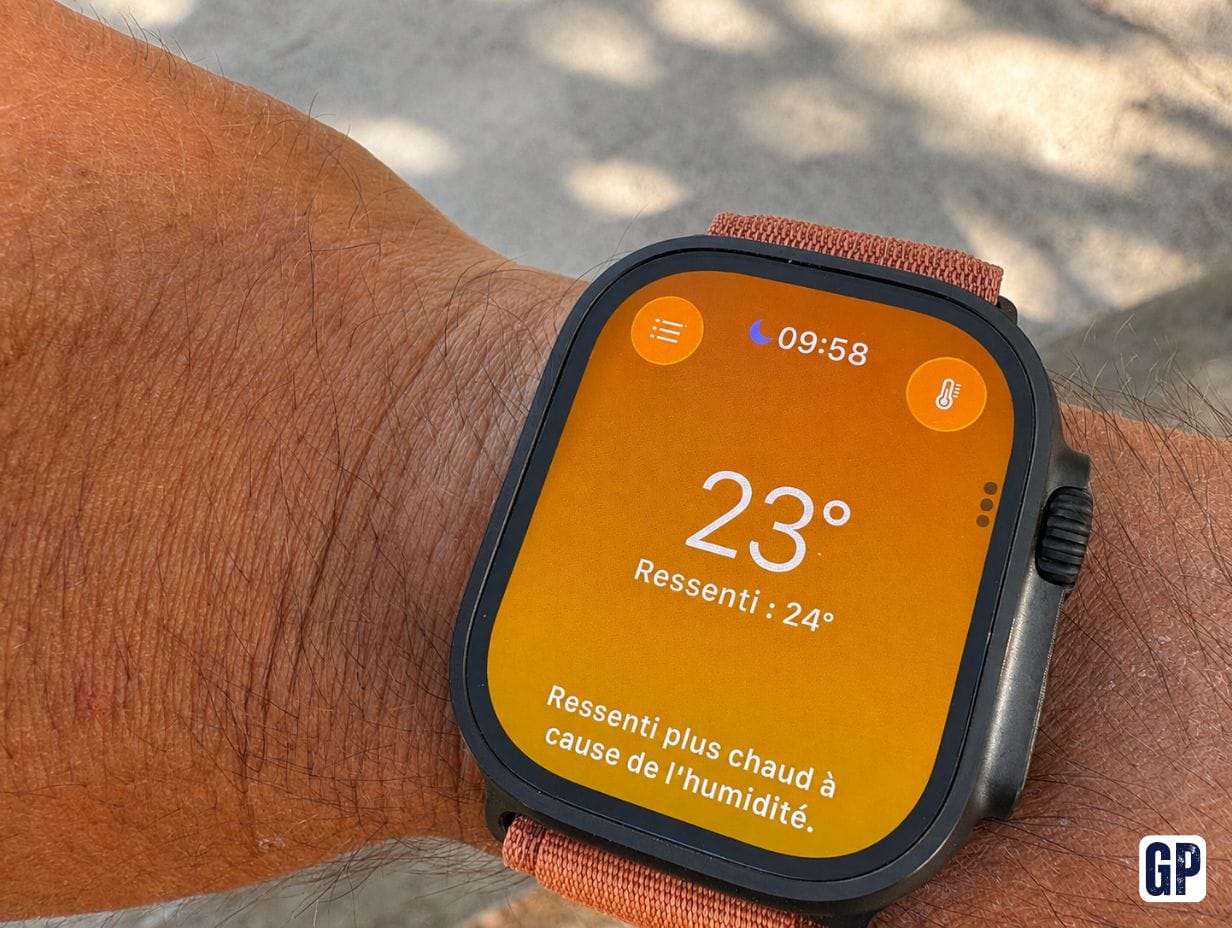
A message arrives: you can read it, dictate a reply, use the keyboard, send an emoji or use Siri.
A call comes in: you answer.
A notification from a compatible app arrives: you can sometimes act on it directly.
It looks trivial on a spec sheet, but day to day the difference is huge.
A Garmin informs you about what is happening on your phone.
An Apple Watch often lets you act.
Integration with the Apple ecosystem is unmatched
If you already use an iPhone, a Mac, AirPods and possibly an iPad, the Apple Watch quickly becomes an extension of that whole environment.
Focus modes are synchronised across devices. If your Work mode allows certain contacts but blocks the rest, the watch respects that logic.
- Apple Pay works immediately.
- Wallet lets you keep tickets, cards and travel passes on your wrist.
- The watch can unlock certain functions on the Mac.
- AirPods naturally switch to it.
- Find My is part of the same ecosystem.
- And Siri lets you perform a lot of small actions without taking your phone out.
These are rarely features that alone justify buying a watch.
But together they completely change the experience.
Let’s be clear: an Apple Watch requires an iPhone.
If you use Android or if you might switch back to an Android smartphone one day, the Apple Watch immediately becomes a bad choice.
A Garmin Fenix is much more agnostic: it works with an iPhone as well as with an Android smartphone.
For someone already using a Mac, an iPhone and AirPods, this lock-in is almost invisible.
For others, it is a real constraint.
Navigation: two completely different philosophies
This is a particularly interesting topic, because Garmin has historically been excellent at mapping.
And yet, for certain uses, I much prefer the Apple Watch.
For the outdoors, Garmin is still superior
On a Fenix, the maps are designed for sport and adventure.
You notably get TopoActive maps, route navigation, advanced outdoor features and training-specific tools. Garmin continues to position the Fenix as a true outdoor GPS watch.
If I go for a several-hour run in the mountains with only a watch, I still prefer a Fenix.
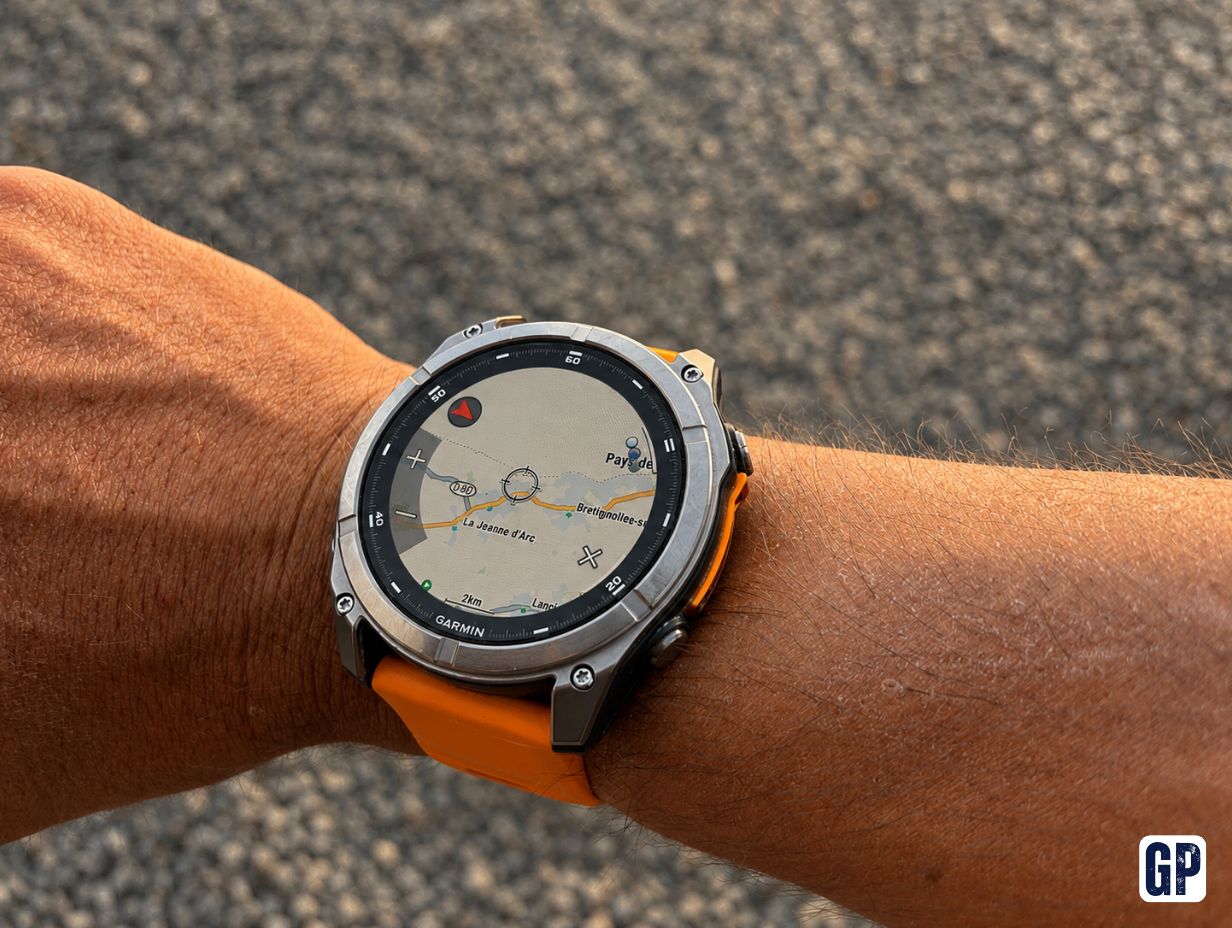
This conclusion also echoes what I noted in the Garmin Fenix 8 AMOLED review: Garmin remains very strong as soon as you switch to a stand-alone sports mindset.
But there is another use of mapping that comparisons often forget.
For simply finding an address, the Apple Watch feels far more natural
Imagine you are in a city you do not know.
You want to find your hotel, a train station or a restaurant.
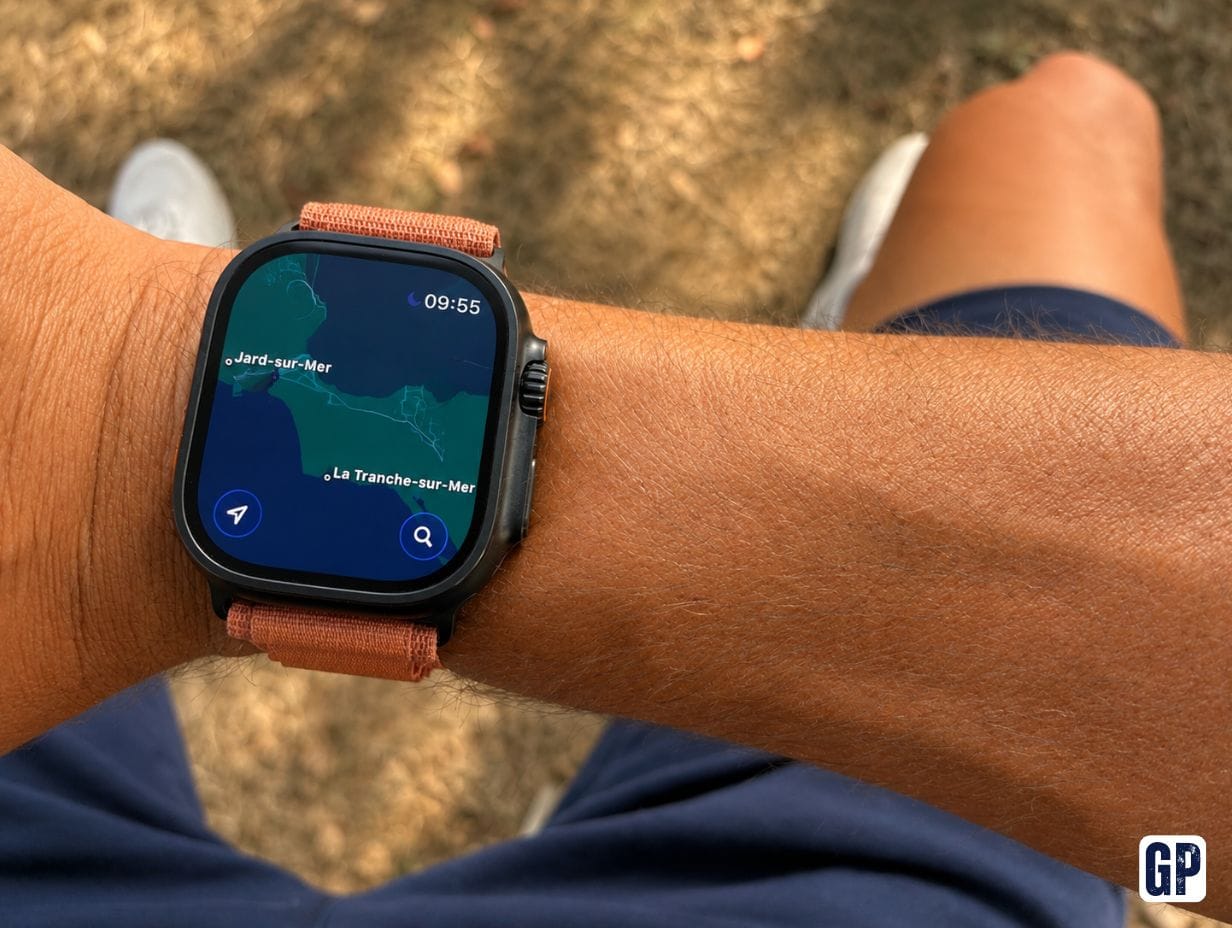
On a Fenix, directly searching for an address or a street name is frankly laborious.
On the Apple Watch, you open Maps or you simply ask:
“Siri, directions to the train station.”
The map appears and guidance starts.
You get turn-by-turn directions and vibrations on the wrist.
It is much closer to using Maps or Google Maps on a smartphone.
And for my everyday use, this type of navigation is ultimately far more frequent than topo navigation in the middle of the Alps.
WorkOutDoors narrows Garmin’s advantage even further
For more advanced athletes, WorkOutDoors is probably one of the most interesting apps available on Apple Watch.
It notably lets you use outdoor maps, GPX tracks, offline maps and extremely customisable data screens.
Apple’s native Workout app is more than enough for a standard run.
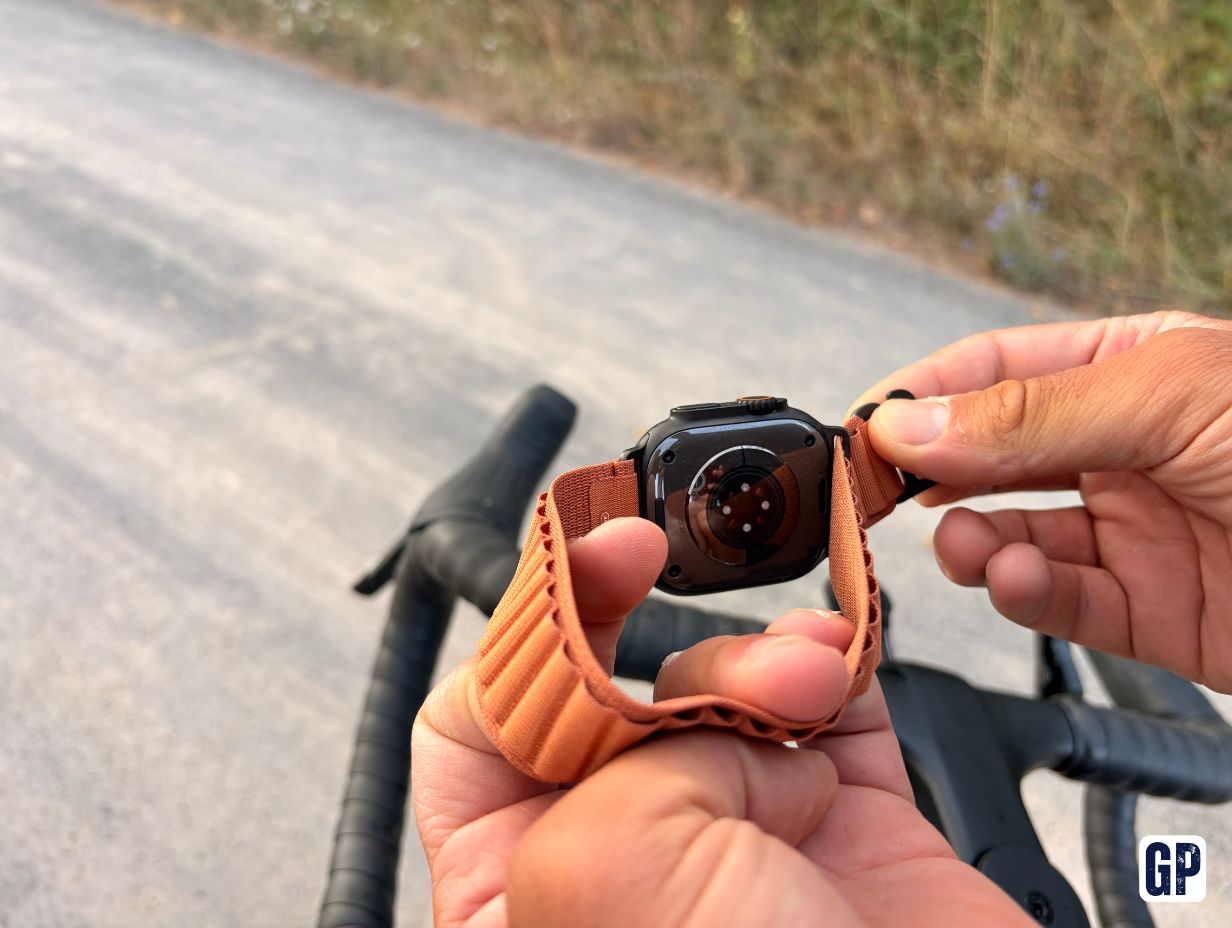
But WorkOutDoors brings the Apple Watch much closer to the experience of a Garmin GPS watch when you want to go hiking or follow a track.
We can summarise quite simply: Apple Maps for the everyday, WorkOutDoors for the outdoors.
Physical buttons or touchscreen?
This is a detail you can easily underestimate before running in the rain.
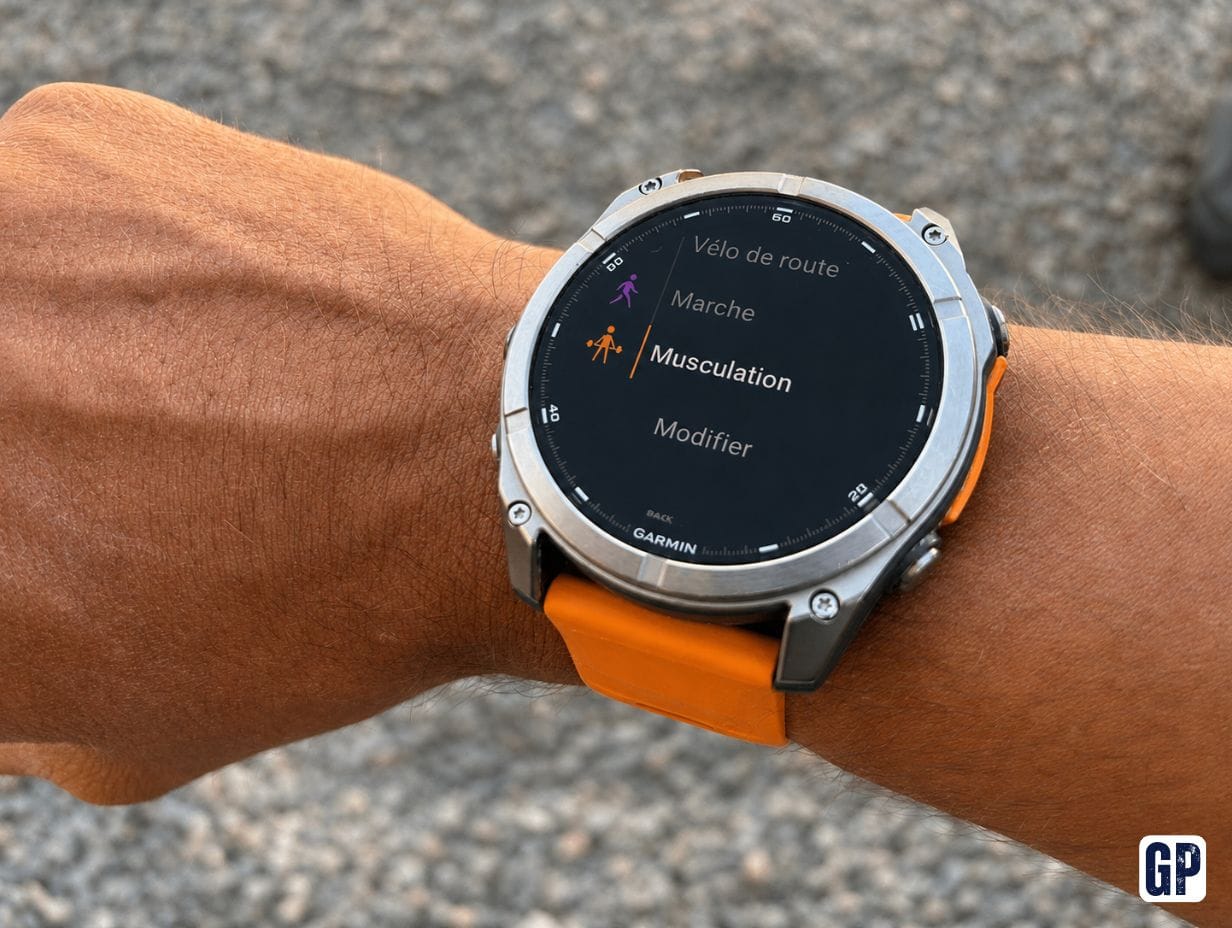
Garmin keeps several physical buttons around the Fenix and lets you do almost everything without touching the screen.
With gloves, wet hands or during an intense session, this is extremely effective.
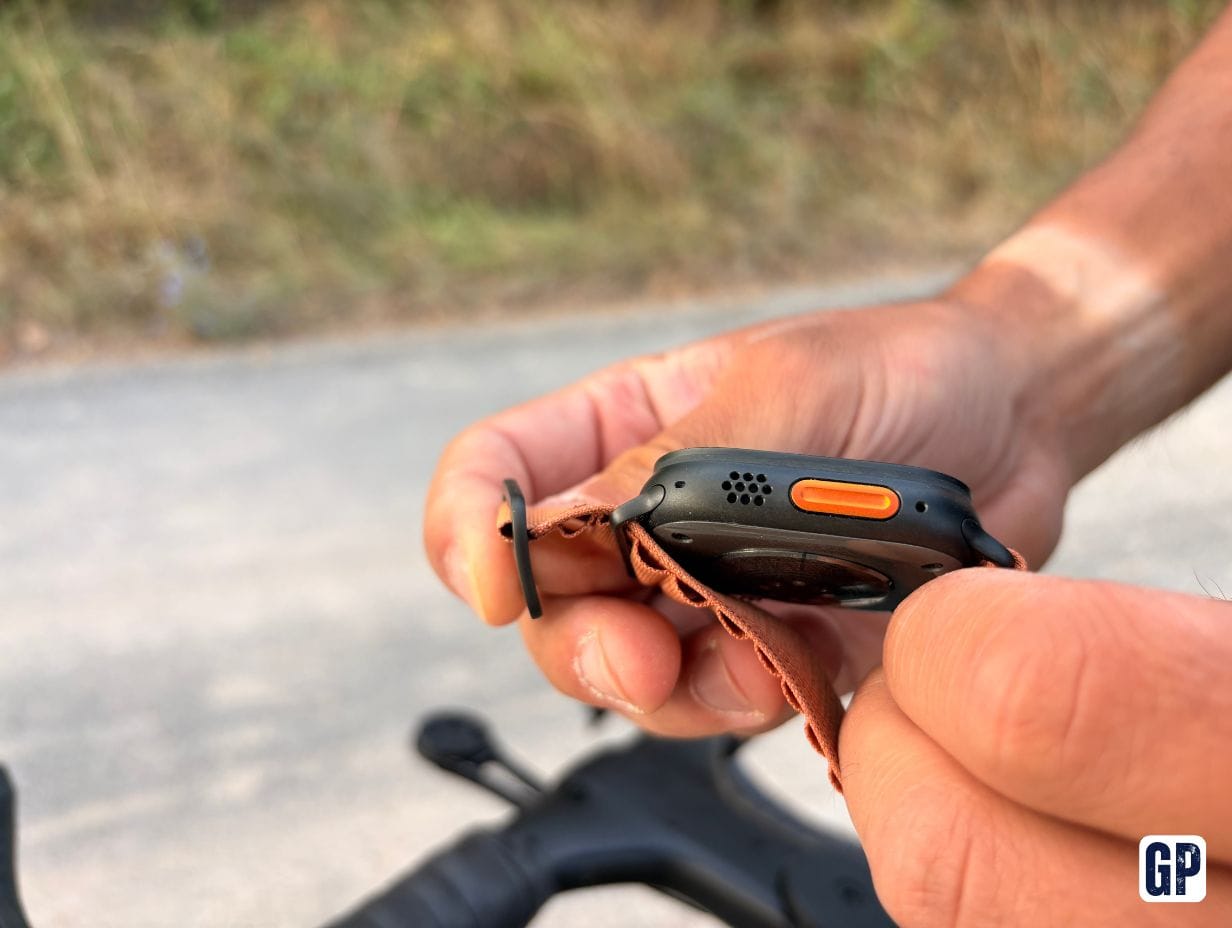
Apple has fortunately made big progress thanks to the Digital Crown, the side button and especially the Ultra’s Action button.
But the interface still revolves more around touch.
The situation reverses as soon as training is finished: scrolling notifications, zooming on a map or navigating an app is much more pleasant on the Apple Watch.
Garmin therefore has the best sports ergonomics. Apple has the best smartwatch ergonomics.
Garmin is still far ahead on battery life
This is probably the biggest compromise when you move to Apple.
The Apple Watch Ultra 3 officially reaches up to 42 hours of normal use, and up to 72 hours in Low Power Mode. It can also reach up to 14 hours of outdoor exercise with GPS and heart rate at full sampling.
That is very decent for a smartwatch.
But when you come from a Fenix, the shock is real.
Garmin quoted up to 29 days in smartwatch mode on the Fenix 8 AMOLED 51 mm.
Even allowing for real-world differences, you are simply not playing in the same league.
With a Fenix, you almost forget the charger.
With an Apple Watch Ultra, charging becomes a routine.
The good news is that fast charge changes the experience a lot: Apple claims around 80% in 45 minutes and up to 12 hours of use after 15 minutes of charging on the Ultra 3.
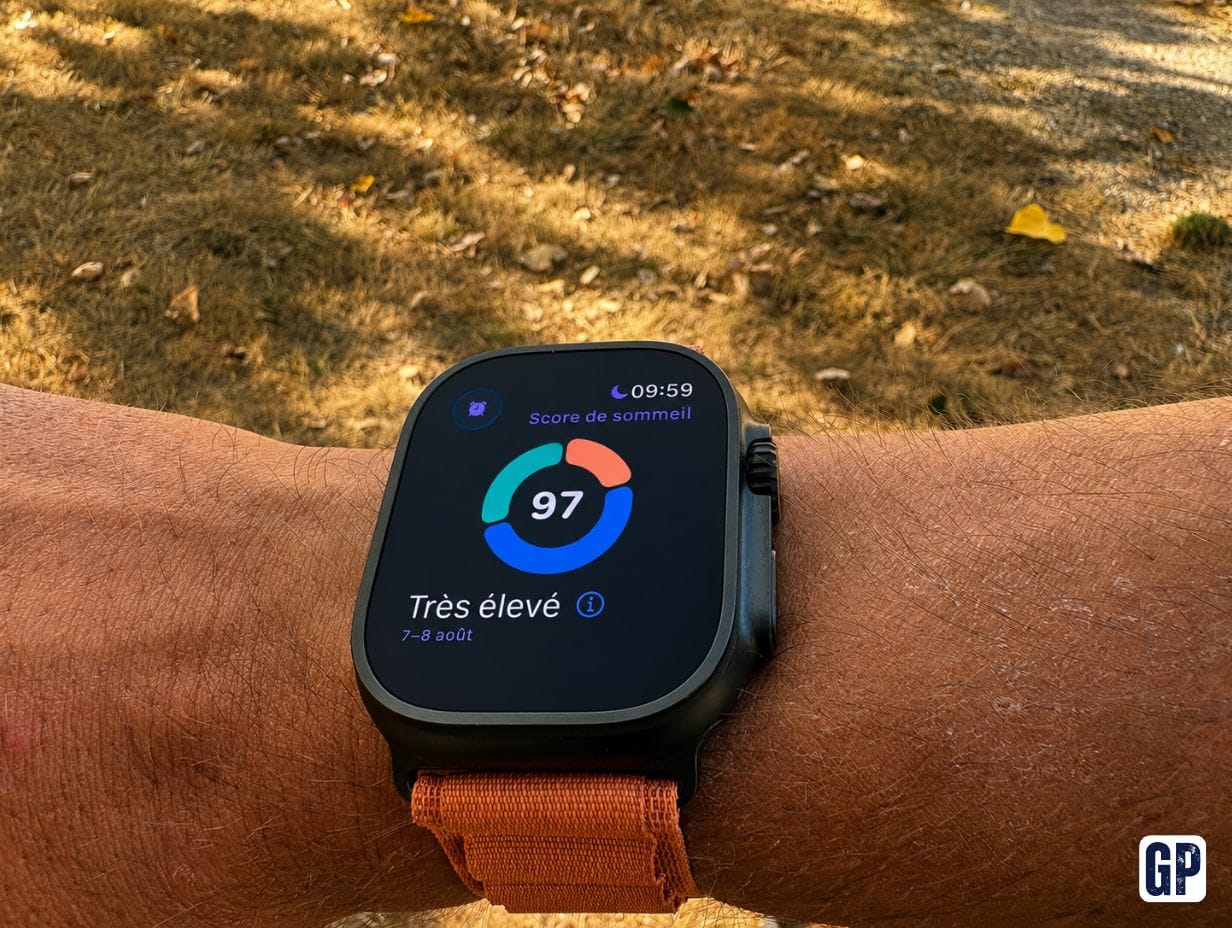
Day to day, I therefore tend to drop it on the charger during a shower or while I am working.
It works. But it remains an additional constraint.
The Apple Watch’s Always-On display is excellent
If, like me, you like to have a real watch face visible at all times, you fortunately do not need to sacrifice this feature to gain a few hours of battery.
The Ultra 3 has an LTPO3 OLED Always-On display capable of dropping down to 1 Hz and to a minimum brightness of 1 nit.
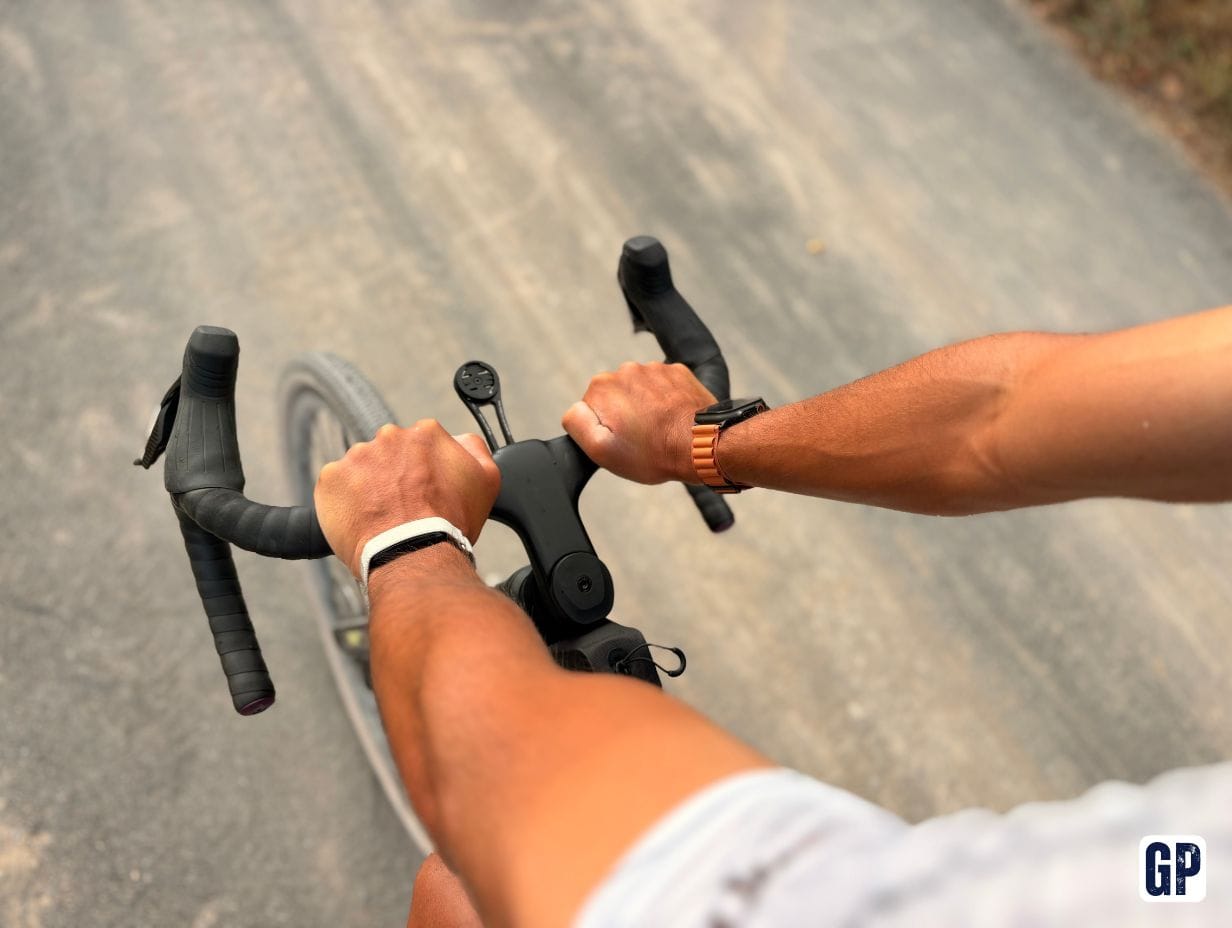
The watch face therefore remains visible when your wrist is down.
And unlike some older smartwatches, that does not simply mean displaying the time on a black screen.
Watch faces like Modular Ultra remain very complete and attractive in Always-On mode.
On this point, the Apple Watch feels more like a living smartwatch than a screen that only wakes occasionally. Garmin allows this too, but even on the Fenix, the screen still feels less “vivid”.
And for pure sport?
This is probably where the preconceptions are the most stubborn.
A modern Apple Watch Ultra is no longer a simplistic fitness watch.
The Ultra 3 notably offers heart-rate zones, running power, cadence, stride length, vertical oscillation, ground contact time, VO2 max, training load, custom workouts and multisport.
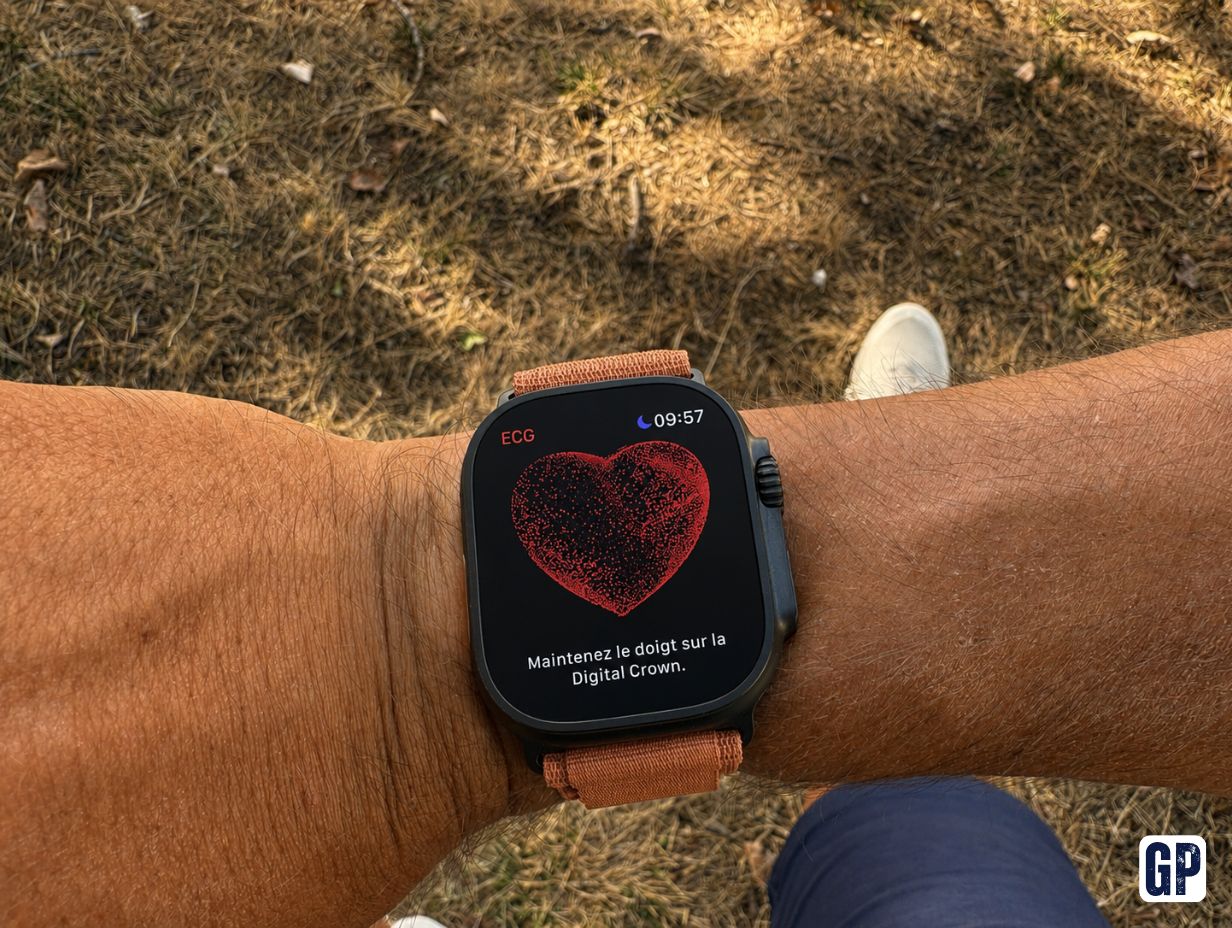
For running, swimming or strength training, it is more than enough for a huge number of athletes.
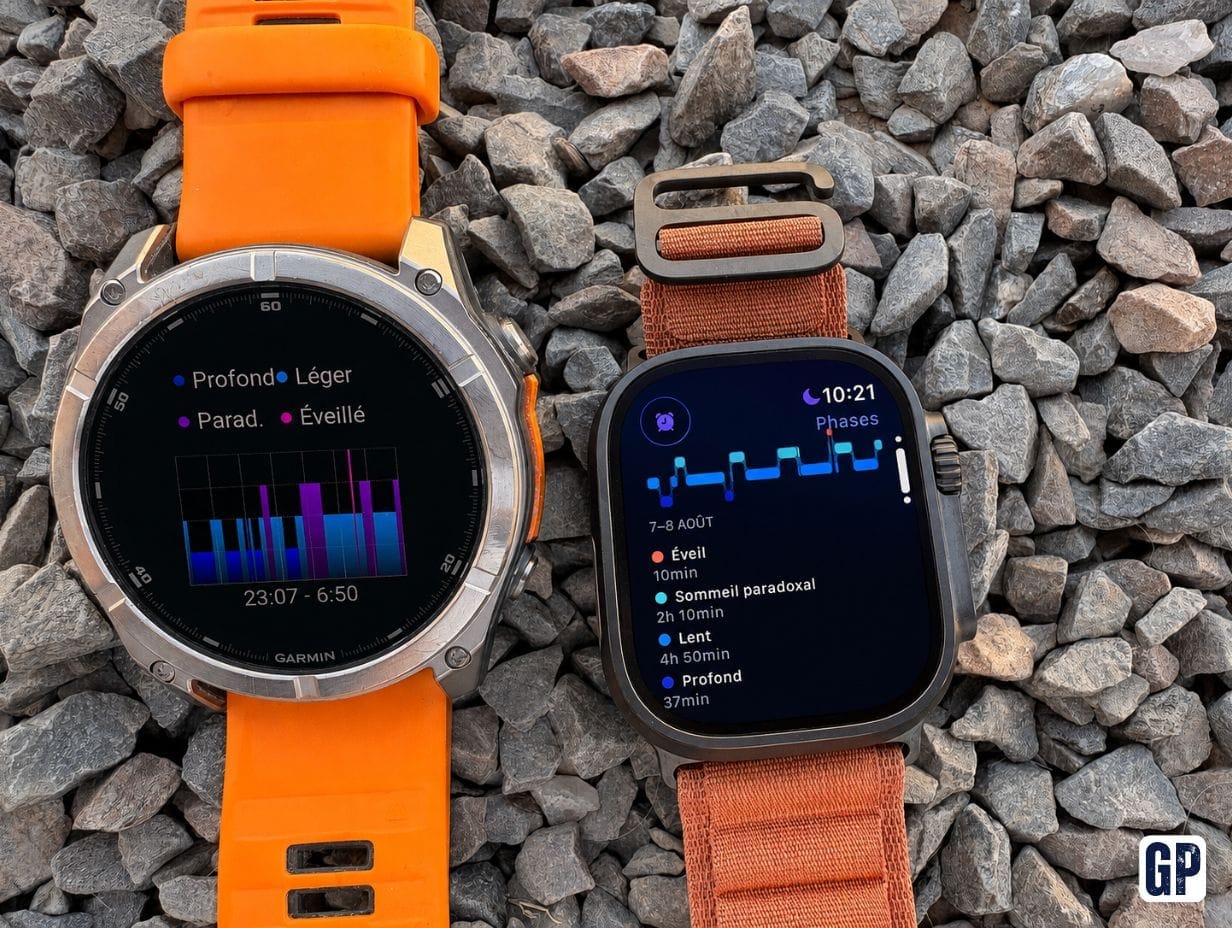
The difference lies more in the overall training analysis.
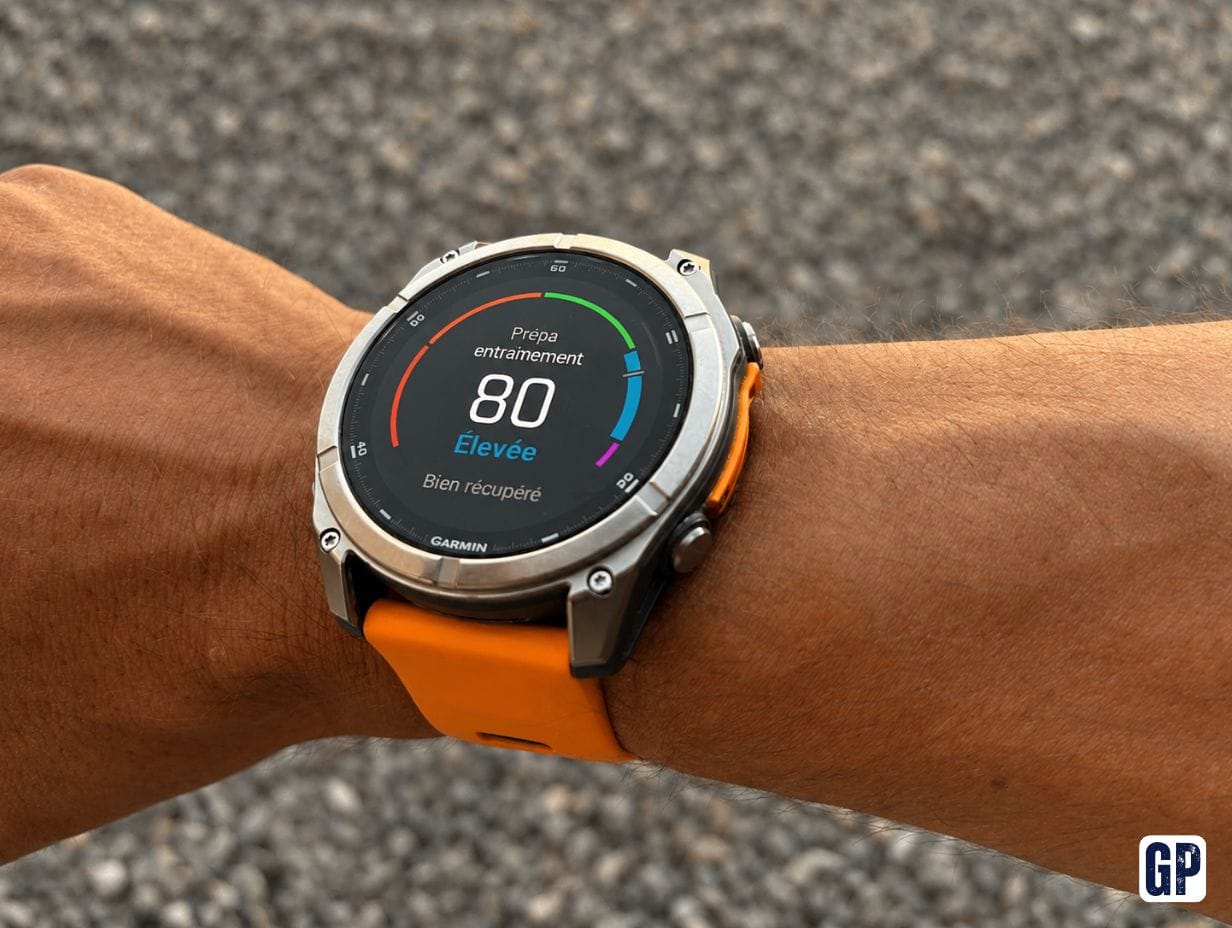
Garmin Connect remains one of Garmin’s biggest advantages
Garmin has built a true physiological ecosystem over the years.
- Body Battery.
- Training Readiness.
- HRV Status.
- Recovery Time.
- Acute Load.
- Training Status.
- Training Effect.
- Sleep.
- Stress.
And all these data sit together in Garmin Connect.
When you use several Garmin devices, it is extremely pleasant.
For example, a bike ride recorded on an Edge can sit alongside the sleep and recovery data measured by your Fenix.
Everything ends up in the same place. It is very hard to give up once you are used to it.
Apple Health and Garmin Connect: be careful with synchronisation
This is probably the one point you absolutely need to know before switching from a Garmin to an Apple Watch.
Garmin Connect can send a lot of data to Apple Health.
But Garmin explicitly states that Garmin Connect does not pull data from an Apple Watch or Apple Health.
In other words:
- Garmin → Apple Health: yes.
- Apple Watch → Garmin Connect: no, not natively.
There are third-party solutions to export or reimport activity files.
But that does not necessarily recreate Garmin metrics as if the activity had been recorded directly by a Garmin device.
And that is precisely where the Garmin CIRQA becomes very interesting
In 2026, Garmin introduced the CIRQA Smart Band.
To put it simply: it is Garmin’s Whoop, without a mandatory subscription.
The band has no screen and can be worn permanently to track health and activity.
Garmin claims up to 10 days of battery life (more like 6 in my case), sleep tracking, stress, Body Battery, HRV and more than 80 sports activities.
But above all, it is not just a sleep band.
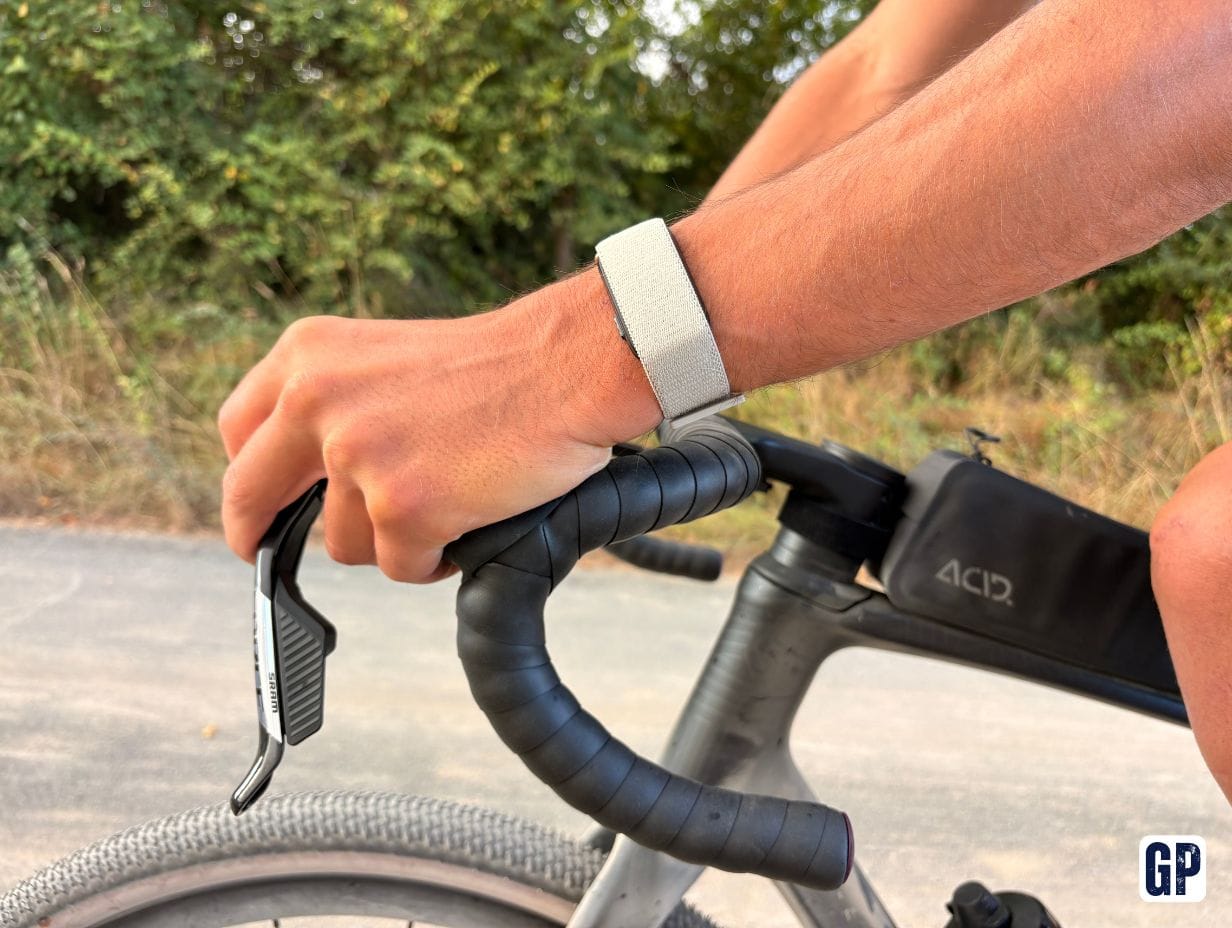
CIRQA can provide Training Readiness, training load, Training Effect, Training Status, recovery time, VO2 max and even load ratio.
And that opens up a configuration that barely existed before.
The Apple Watch Ultra + Garmin CIRQA combo could be the best compromise
Imagine the following ecosystem.
- Apple Watch Ultra for connectivity, eSIM, calls, notifications, Apple Pay, Siri, Maps and apps.
- Garmin CIRQA for 24/7 health tracking, recovery, Body Battery and Garmin metrics.
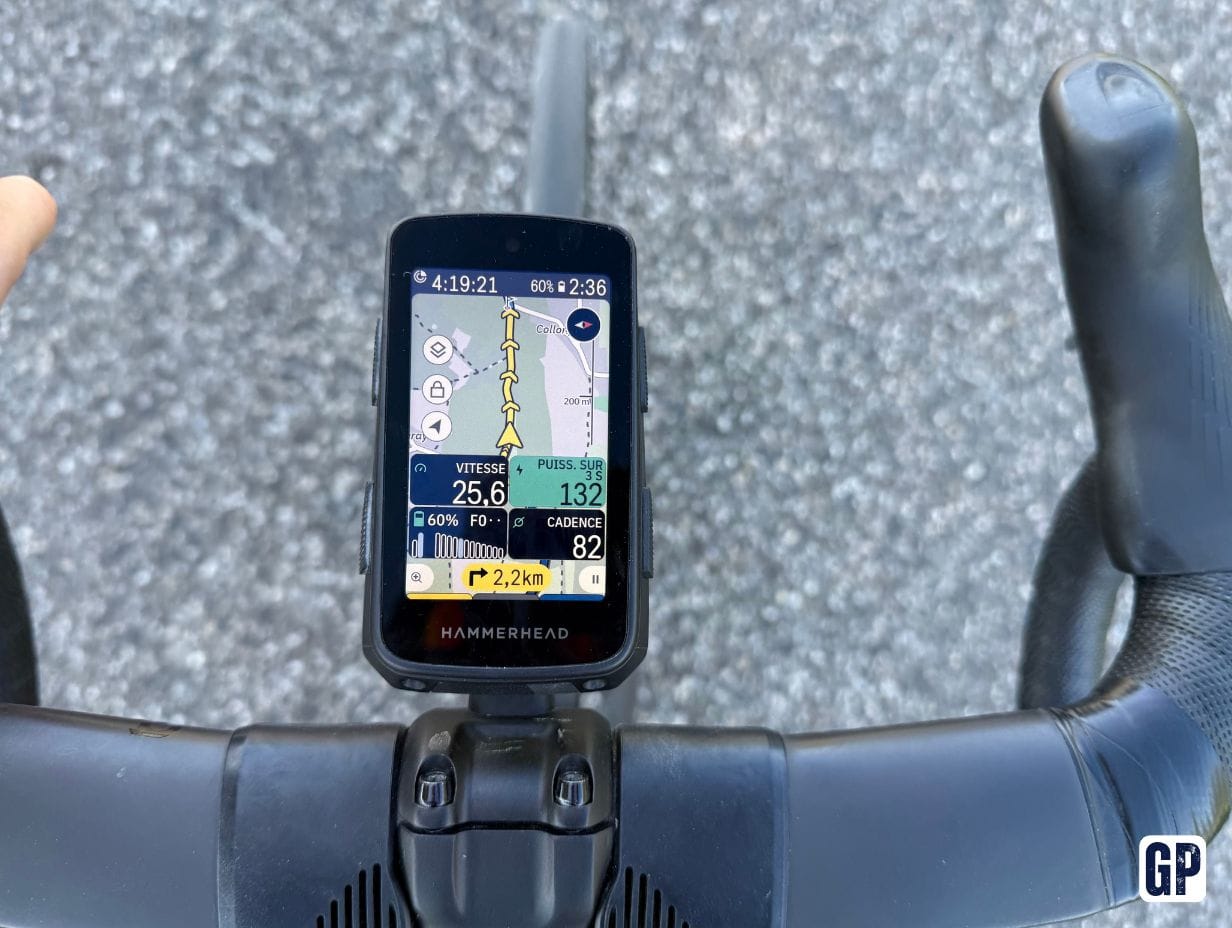
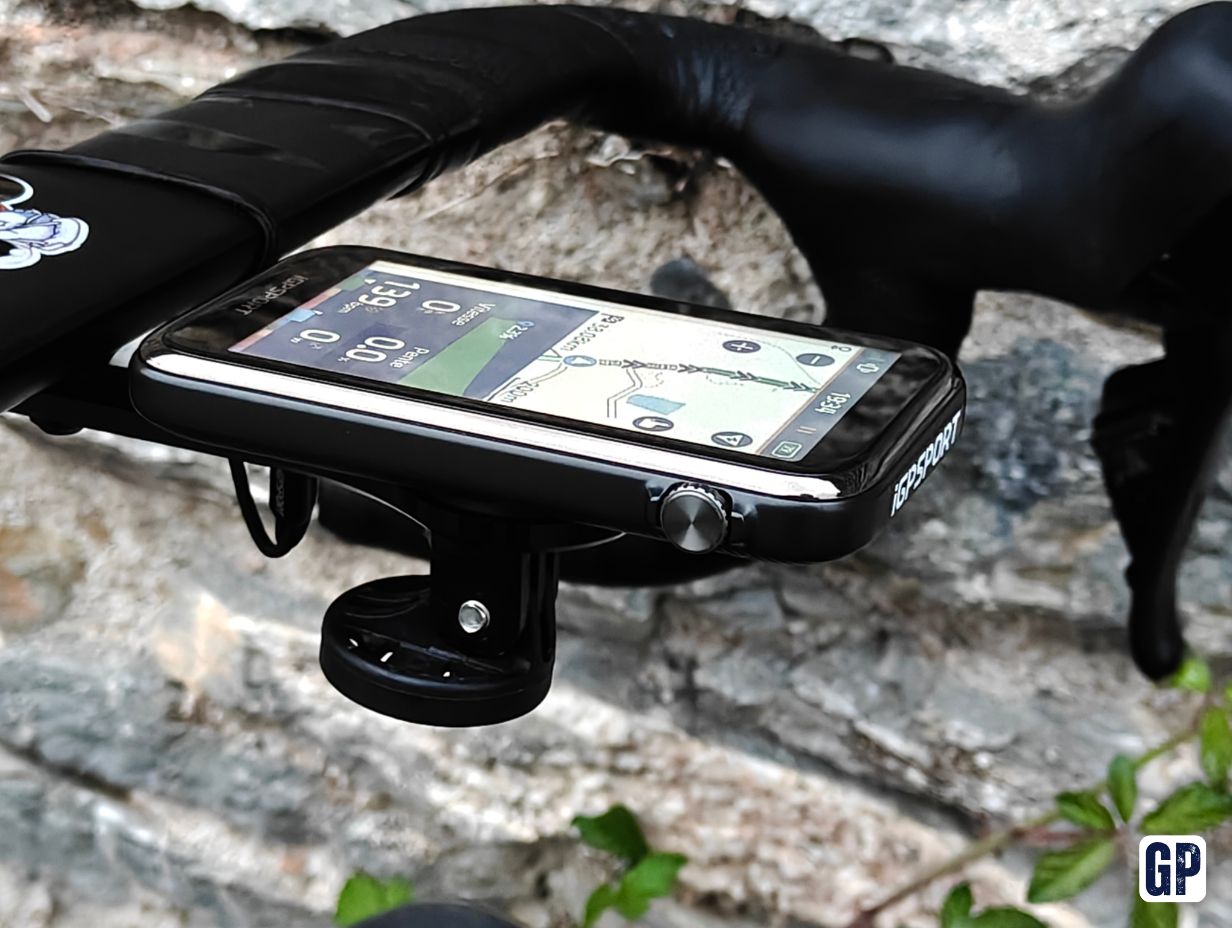
- Garmin Edge for cyclists, to keep navigation, power, segments and all bike training data in Garmin Connect.
This is an extremely interesting setup.
CIRQA can even broadcast its heart rate to an Edge computer. Garmin explicitly presents this scenario for cyclists.
For someone who already owns an Edge, the disappearance of the Fenix therefore becomes much less of a problem.
The bike remains entirely in Garmin.
Health remains with Garmin via CIRQA. And the Apple Watch becomes the daily interface.
For other sports, you can record directly with CIRQA
This is an important detail.
CIRQA can track more than 80 activities and certain activities can be triggered directly from its button or from Garmin Connect.
For a strength session, for example, it becomes entirely feasible to let CIRQA record the activity so that it remains native in Garmin Connect, while wearing the Apple Watch for music, notifications or other connected features.
For an outdoor session requiring GPS, CIRQA can use the smartphone’s GPS.
For running, the question becomes trickier if you want to look constantly at your pace or data.
You can then prefer to record with the Apple Watch.
But we return to the Apple → Garmin synchronisation problem.
It will therefore be a compromise to accept depending on the sports you do.
I miss Garmin’s real LED torch
It might sound completely trivial.
It is not.
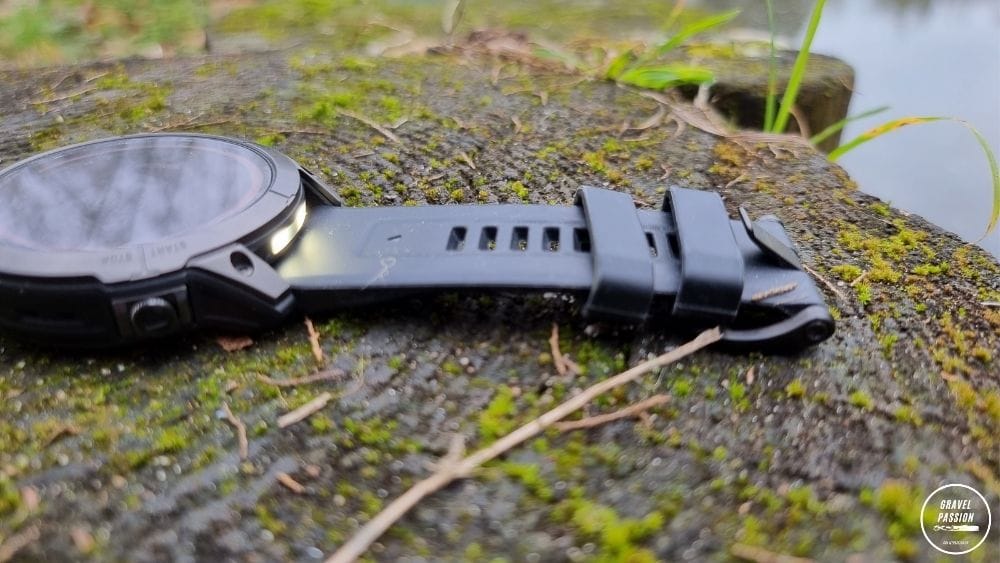
The Fenix 8 has a real built-in LED torch.
Once you start using it regularly, it becomes incredibly handy: looking for something in the dark, getting home, tinkering, lighting a path or simply getting up during the night.
The Apple Watch can turn its screen into a torch.
That helps in a pinch.
But it is still a very bright screen.
The Fenix has a true directed light source.
It is not comparable.
This is probably the small Garmin feature I would most easily miss day to day.
Apple Watch Ultra or Fenix: who really wins?
There is ultimately no universal winner.
A Garmin Fenix remains my choice for someone whose absolute priority is ultra-endurance, trail, long outdoor adventures, battery life, sports mapping, physical buttons and the absolute coherence of Garmin data.
An Apple Watch Ultra takes the lead for someone who wants an excellent sports tool, but also a real smartwatch, capable of occasionally replacing the iPhone thanks to cellular and perfectly integrated with the Apple ecosystem.
The difference could almost be summed up in this question:
“What do you want your watch to do when you are not doing sport?”
If the answer is essentially “track my health and tell the time”, Garmin is very hard to beat.
If you want it to make calls, reply to messages, guide you around a city, control your music, use Siri, manage your tickets and interact with your apps, the Apple Watch takes a considerable lead.
My verdict after moving from Garmin to Apple
For a long time, I would almost automatically have recommended Garmin to a serious athlete.
Today, that is no longer the case.
The Apple Watch Ultra models have become good enough in sport that the question shifts elsewhere.
In my case, several elements tip the balance towards Apple in particular:
- I no longer do triathlon and cycling has (re)become my main sport. I record bike activities with a Garmin Edge, walking and strength sessions with the CIRQA, and running with the Apple Watch. I then transfer the data to Garmin Connect because it has been my hub for more than 15 years now.
- Everyday navigation in Maps fits my needs better than the laborious POI search on a Fenix.
- The eSIM really lets me go out without a phone.
- And the integration with my other Apple devices is unmatched.
In return, I mainly accept three compromises: much less battery life, the disappearance of the LED torch and a fragmentation of Garmin data.
The arrival of CIRQA precisely reduces that last issue.
And I think that is probably where the future lies for geeky athletes: stop trying to find a single device that can do everything.
An Apple Watch can become the connected interface.
A CIRQA can measure recovery.
An Edge can handle the bike.
And Garmin Connect or Apple Health can then play the role of data platform, even if the bridges between the two ecosystems are still imperfect today.
So, which one should you choose?
My shortcut would be as follows today.
Choose a Garmin Fenix if sport dictates your watch choice.
Choose an Apple Watch Ultra if you want your watch to also improve everything else in your day.
And if you are already heavily invested in Garmin for cycling while using multiple Apple devices, the Apple Watch Ultra + Garmin Edge + optionally CIRQA combo is now an extremely credible alternative to the traditional all-Garmin setup.
There are two excellent ecosystems that have simply put their priorities in a different order.